In this guide
What your venue needs
- the number of adults and children, children often by age group, as they're priced separately,
- special meals: vegetarian, vegan, gluten-free, lactose-free,
- allergies, with the guest's name, so staff know who gets a different dish,
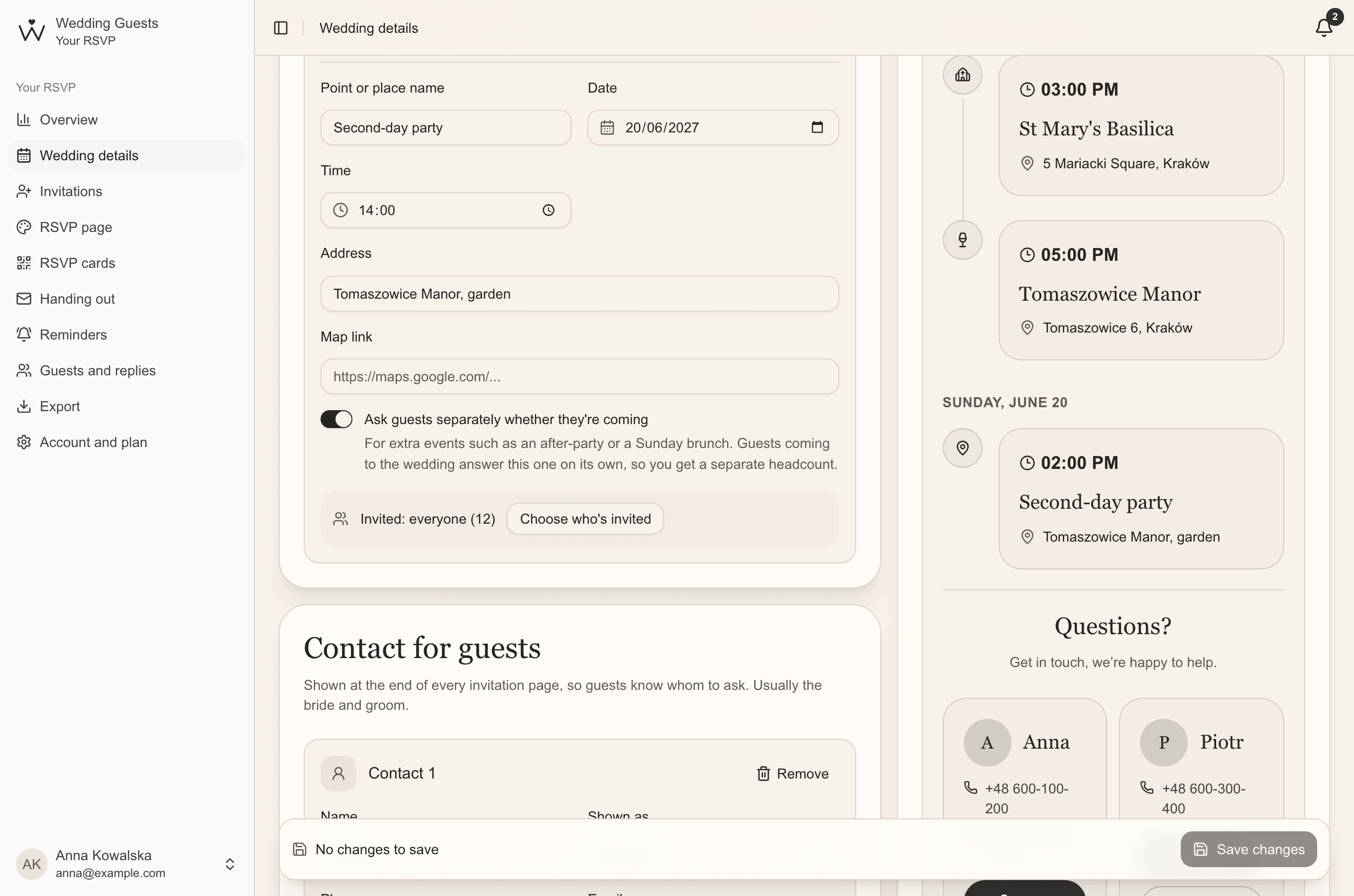
- numbers for any second-day party or other event,
- rooms and transport seats, if you arrange them.
When to give final numbers
Venues usually want the final headcount two to three weeks before the wedding, and an estimate earlier, when you plan the menu. Ask when you sign the contract, and set your guests' reply-by date at least a week before that day.
Count as you go, not at the end
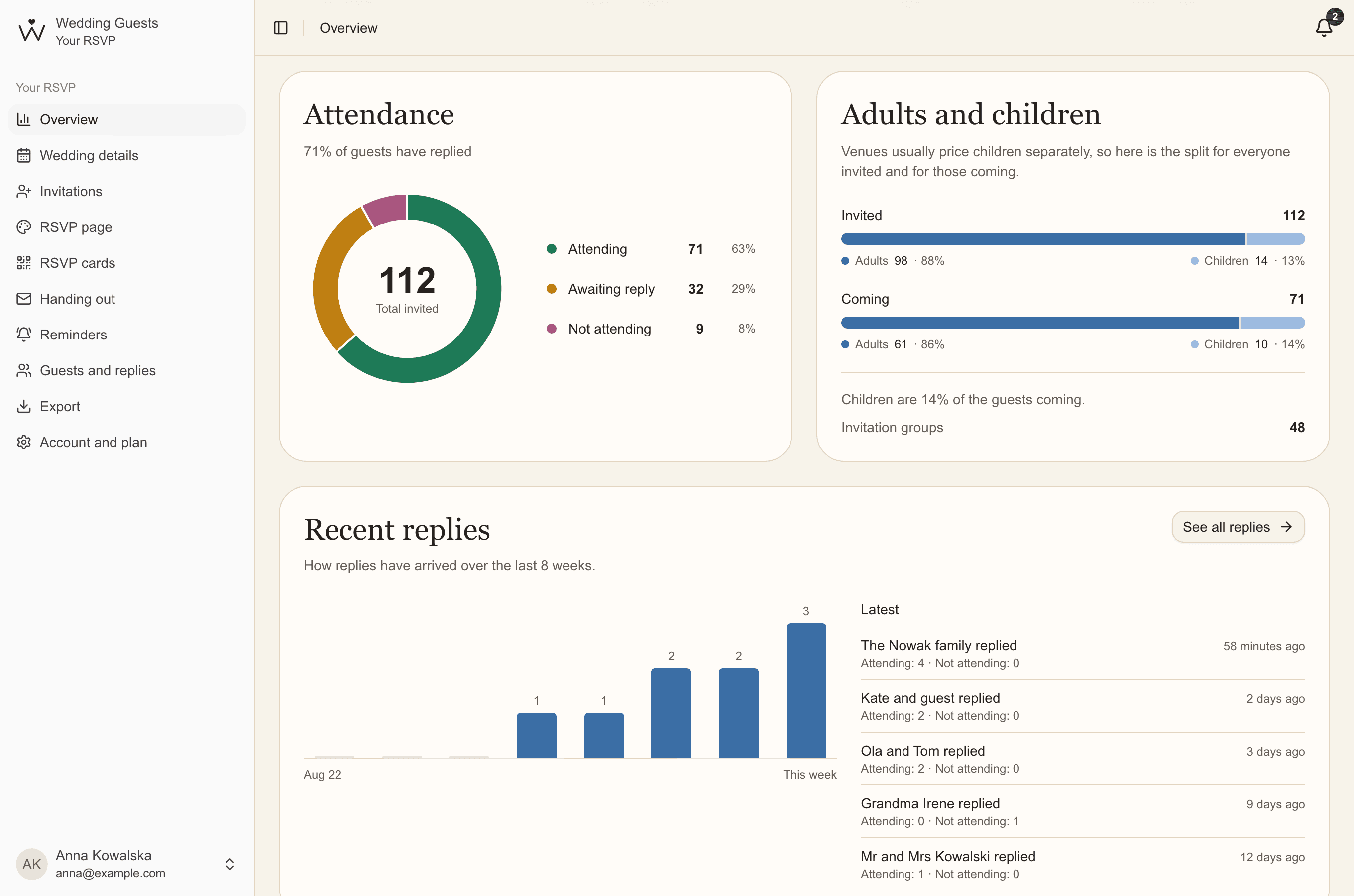
When guests reply through their QR codes, your overview counts everything for you: attendance, adults and children, diets, children by age, rooms, transport and every extra event. You also see how many guests haven't replied, so you know how much the numbers may still change.
Diets and allergies without retyping
Filter the guest list by diet and see at once who is gluten-free or vegan. Allergy notes are seen only by you, and in the venue summary they appear next to the guest's name.
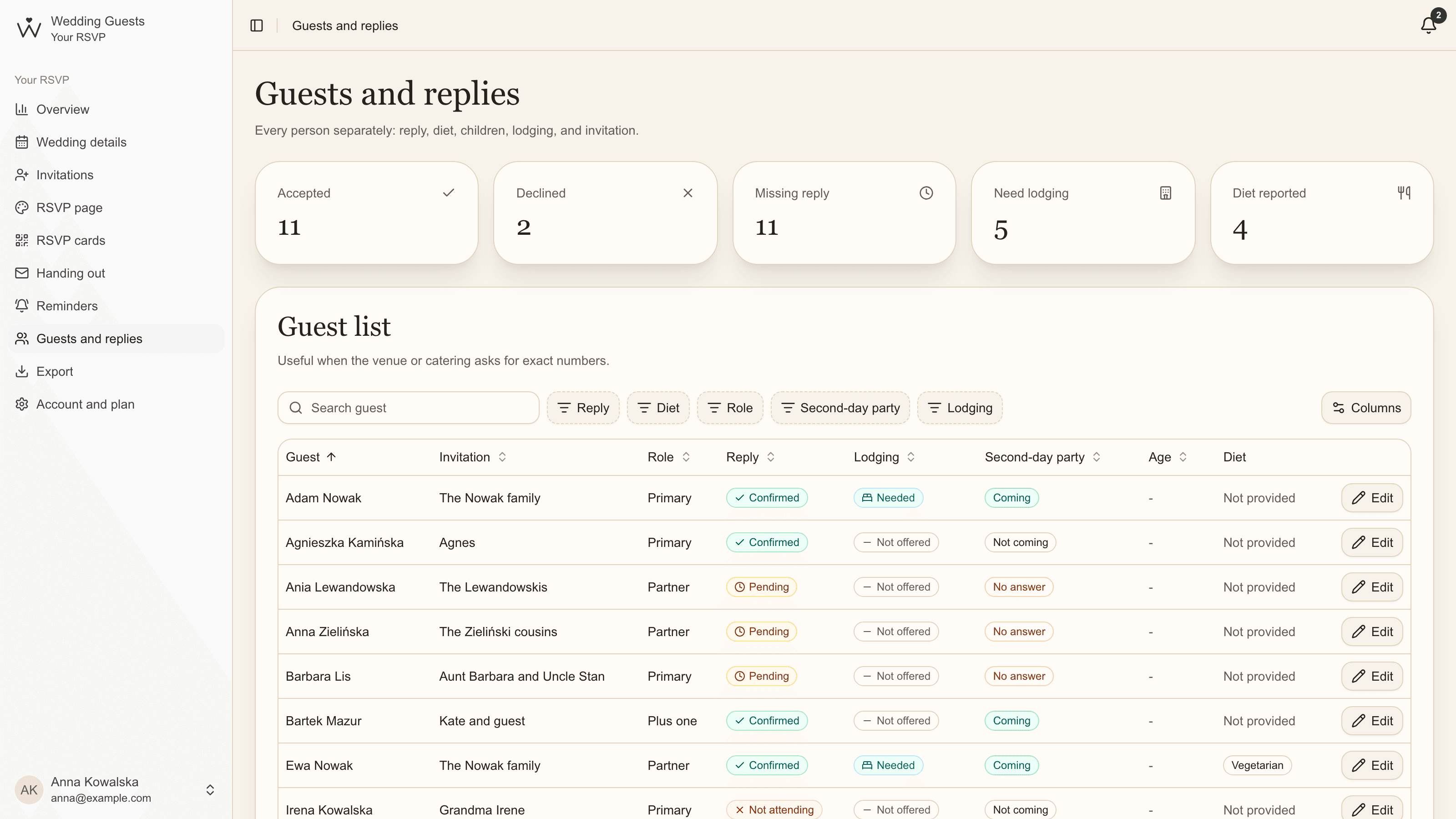
The venue summary PDF
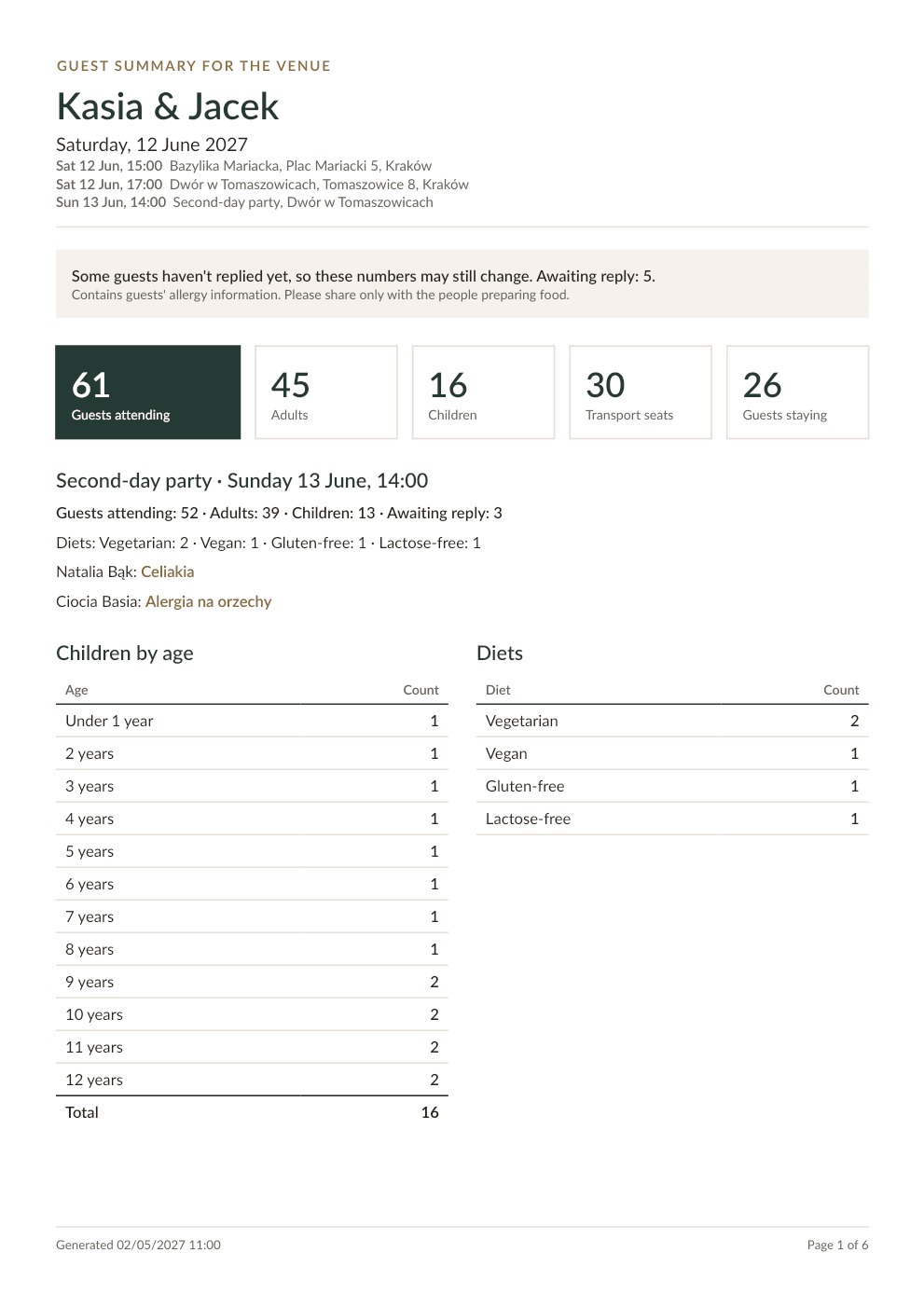
Essential & PremiumInstead of copying numbers into an email, give your venue one A4 document: total guests, adults and children, children by age, who has which diet and allergy, transport seats and rooms, each extra event and the full guest list.
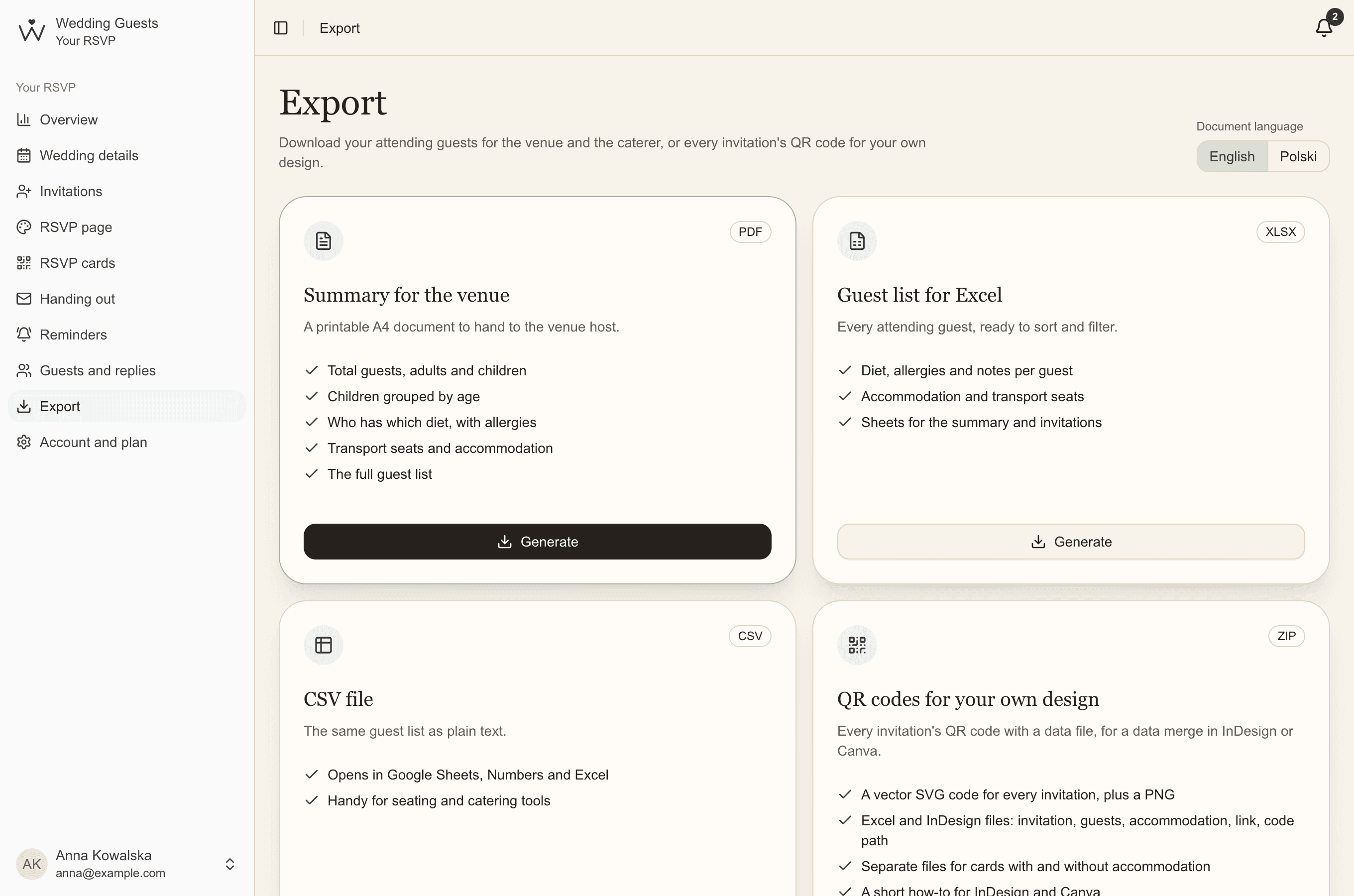
- Open Export.
- Choose the document language: English or Polish.
- Next to Summary for the venue, click Generate. A few seconds later the file is ready to download.
Excel and CSV lists
Essential & PremiumFor your caterer or seating plan, download your attending guests as Excel: diet, allergies and notes for each person, accommodation and transport, with sheets for the summary and invitations. The same list as a CSV file opens in Google Sheets, Numbers and seating tools.
Files show replies as they were when generated, and we keep them for 7 days. They contain allergy details, so share them only with the people preparing food.
Common questions
- Do children count towards the venue's guest number?
- Yes, but venues usually price them by age, for example free under 3 and half price under 10. That's why it helps to know each child's age.
- What about guests who don't reply in time?
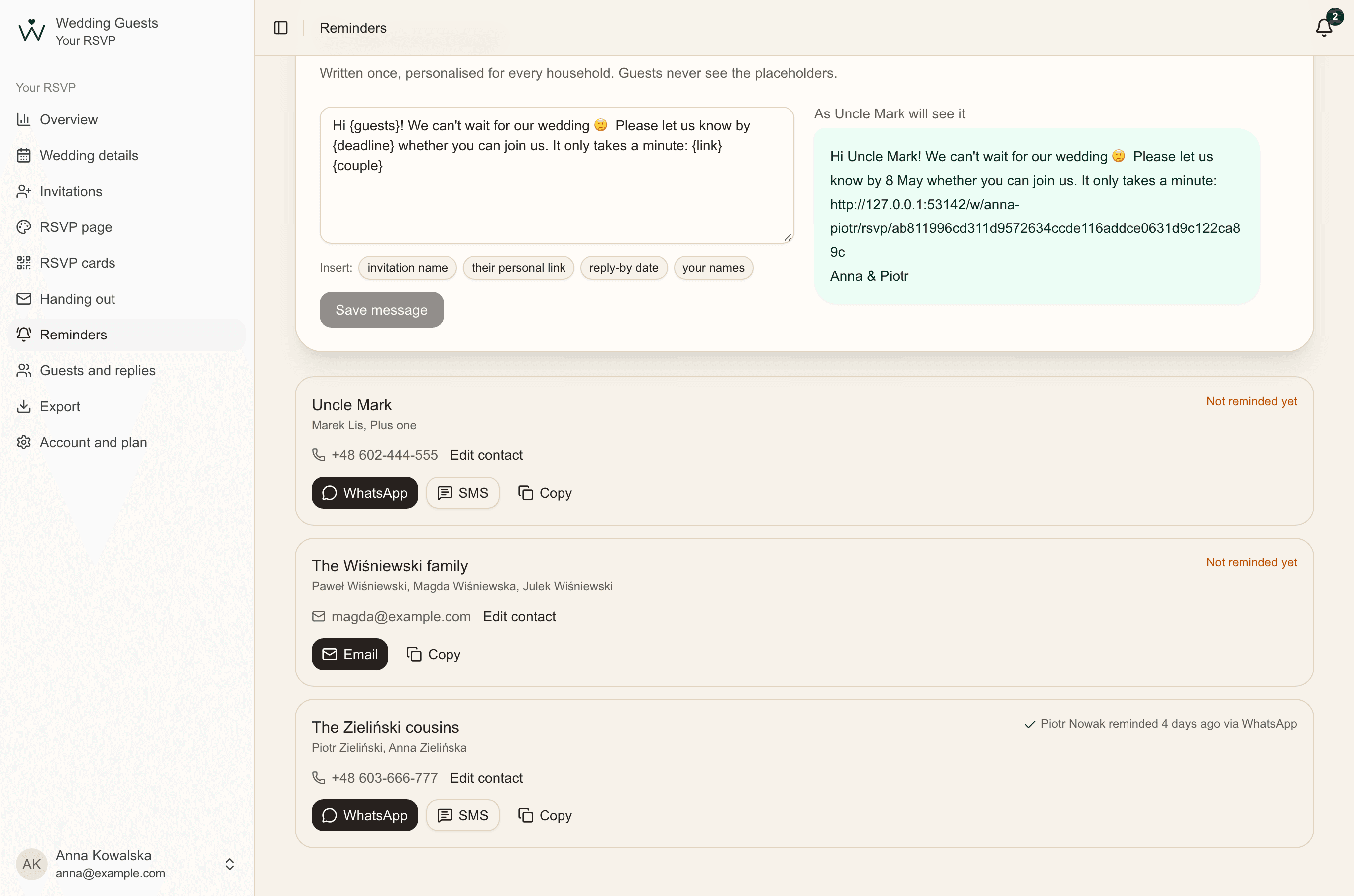
- Send them a short reminder. If they're still silent when the venue needs numbers, agree with the venue how to count them. Your overview shows how many are left.
- Can we generate the summary more than once?
- Yes, any time. Each file shows the replies as they were when it was generated.