In this guide
- 1.Why put a QR code on your invitation
- 2.One code for everyone, or one per invitation?
- 3.Size, placement and printing
- 4.What to print next to the code
- 5.Invitations handed over in person
- 6.Preparing your codes in Wedding Guests
- 7.Printed cards or codes for your own design
- 8.Is a QR code on an invitation safe?
Why put a QR code on your invitation
Instead of calling, texting or posting a card back, guests point their camera at the code and land on the reply page. Nothing to install, no address to type. For you, that means fewer calls and replies that arrive already organised.
One code for everyone, or one per invitation?
A single shared code is easier to print, but every guest then has to type their name and choose who the reply is for. That invites typos, double replies and guessing whether two families with the same surname are the same household.
A code per invitation already knows who it's for. Guests see the names of everyone invited and answer for each of them. The link is private too: nobody else can see your guest list.
Size, placement and printing
- Make the code at least 2 by 2 cm (about 0.8 inches); on cards with small type, 2.5 cm is safer.
- Leave an empty margin around the code and print it in a dark colour on a light background. Gold or pastel codes are often hard to read.
- Give your printer a vector file (SVG): it stays sharp at any size.
- Before printing the whole run, scan a test print with several phones.
What to print next to the code
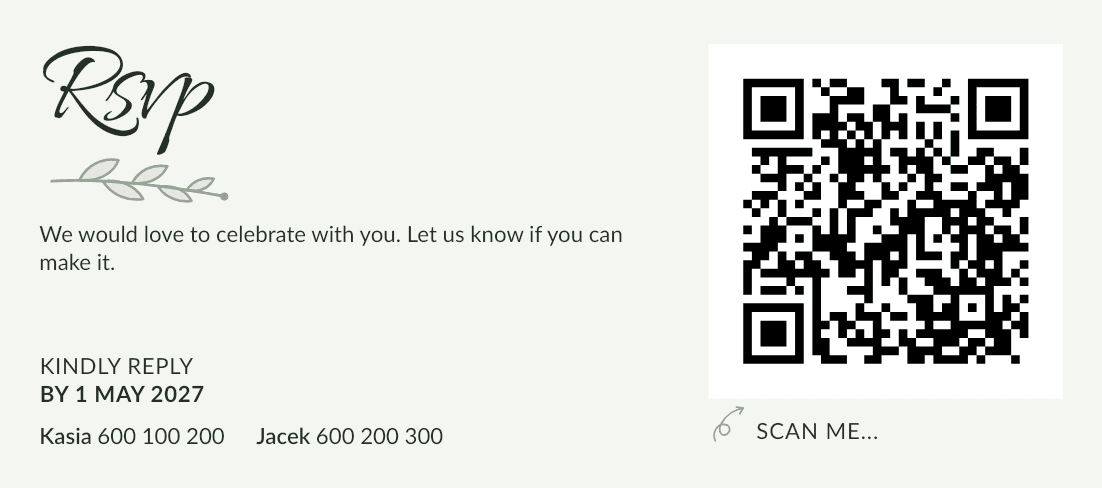
One short sentence is enough, for example: "Scan with your phone's camera to RSVP by 15 May". Add your reply-by date and a phone number for guests who prefer to call. Older guests will appreciate having the choice.
Invitations handed over in person
In many families invitations are still handed over in person. A QR code fits that well: guests don't have to answer on the spot, but calmly, once they've checked their calendar. It also helps to note who already has their invitation, so nobody is missed.
Preparing your codes in Wedding Guests
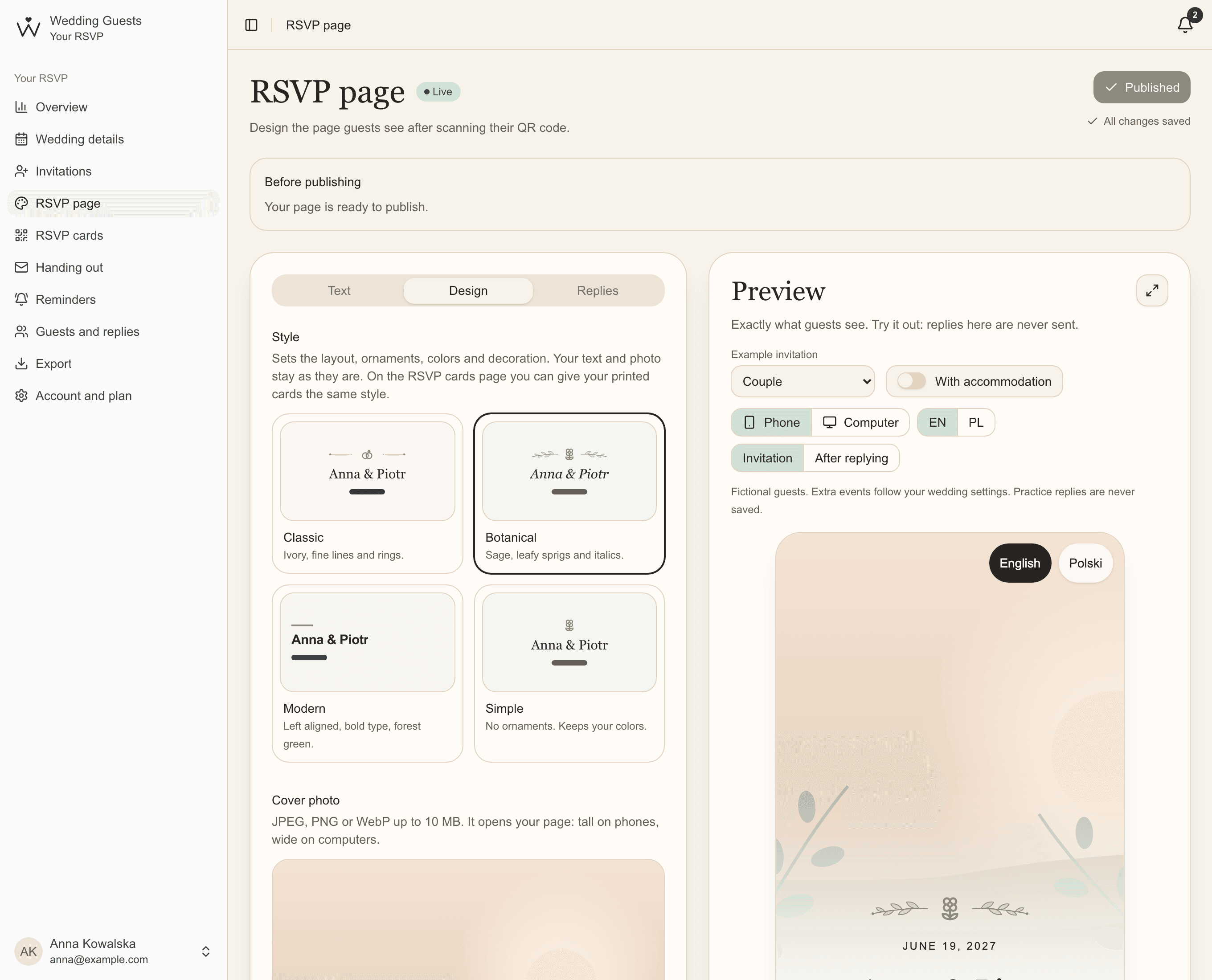
Every invitation gets its own QR code and private link as soon as you add it. The page the code opens has your colours, photo and schedule, and replies go straight onto your list.
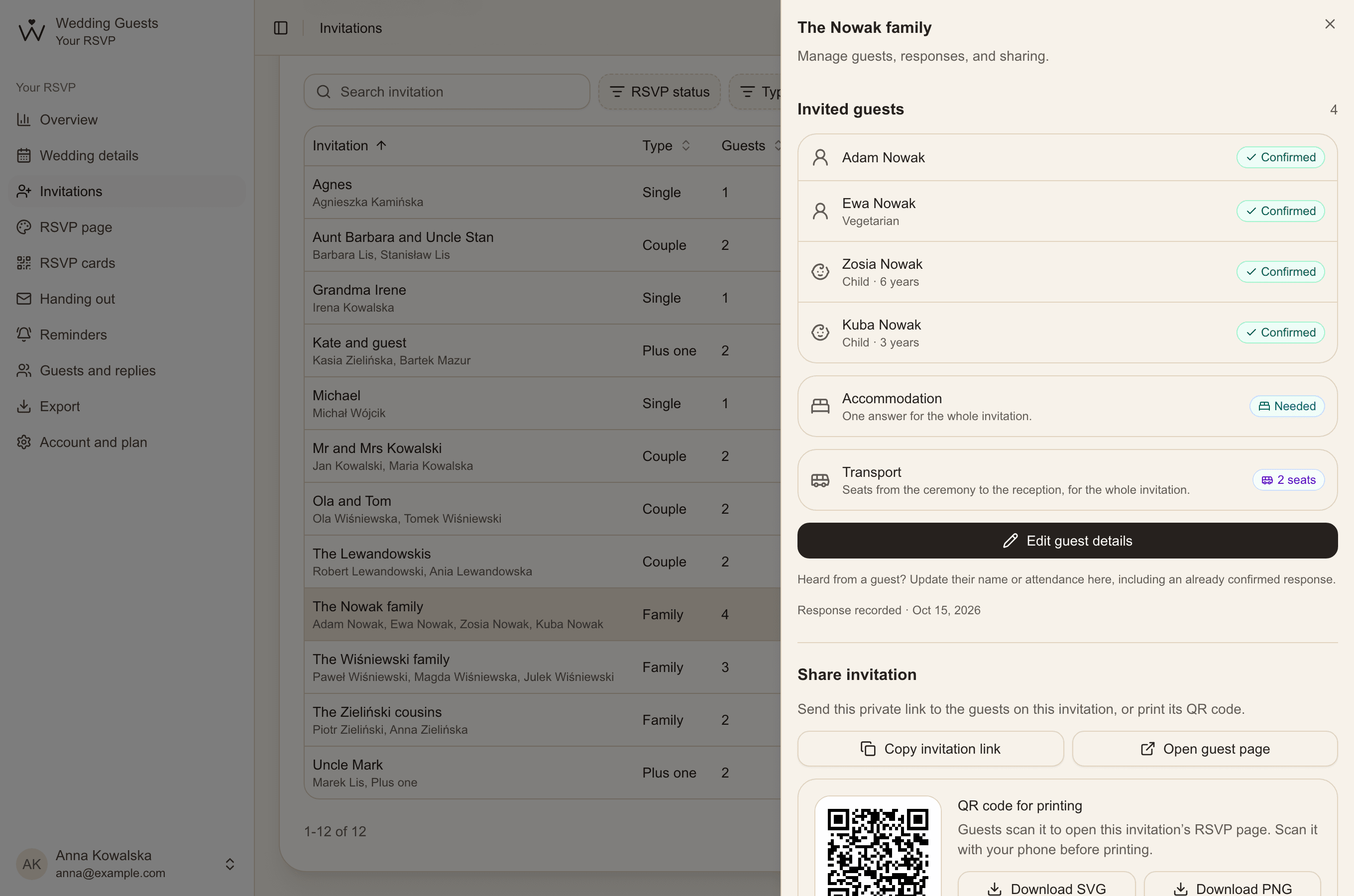
- In Invitations, click an invitation, for example "The Nowak family".
- Under "Share invitation", download the code as SVG (for your printer) or PNG.
- Scan the code with your phone and check it opens the right invitation's page.
- You can also copy the link and send it to guests who live far away.
Printed cards or codes for your own design
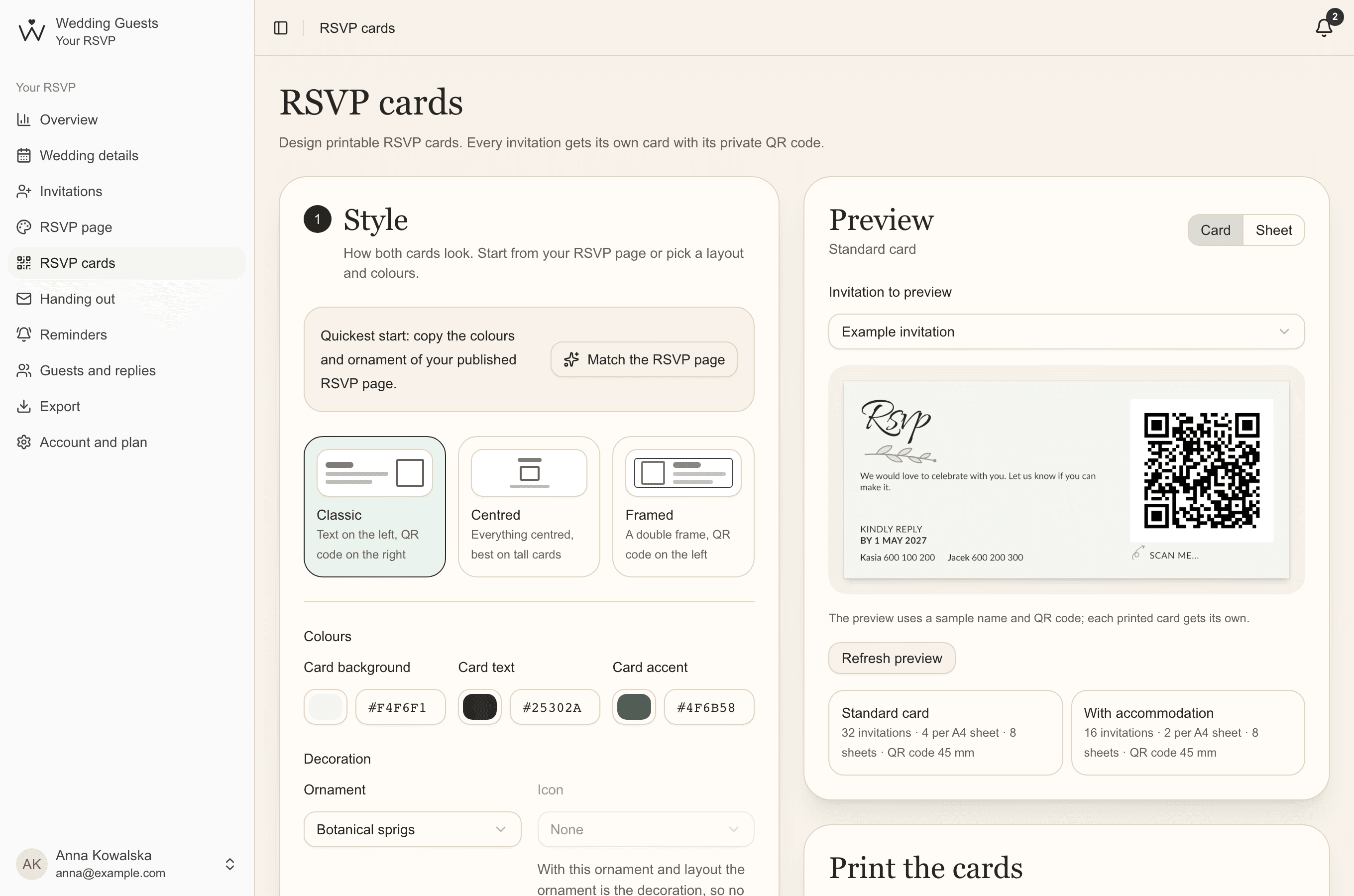
Essential & PremiumWith dozens of invitations, downloading codes one by one takes time. There are two easier ways. The first is ready RSVP cards: sheets with one card per invitation, each with its own code and cut marks, in your page's style.
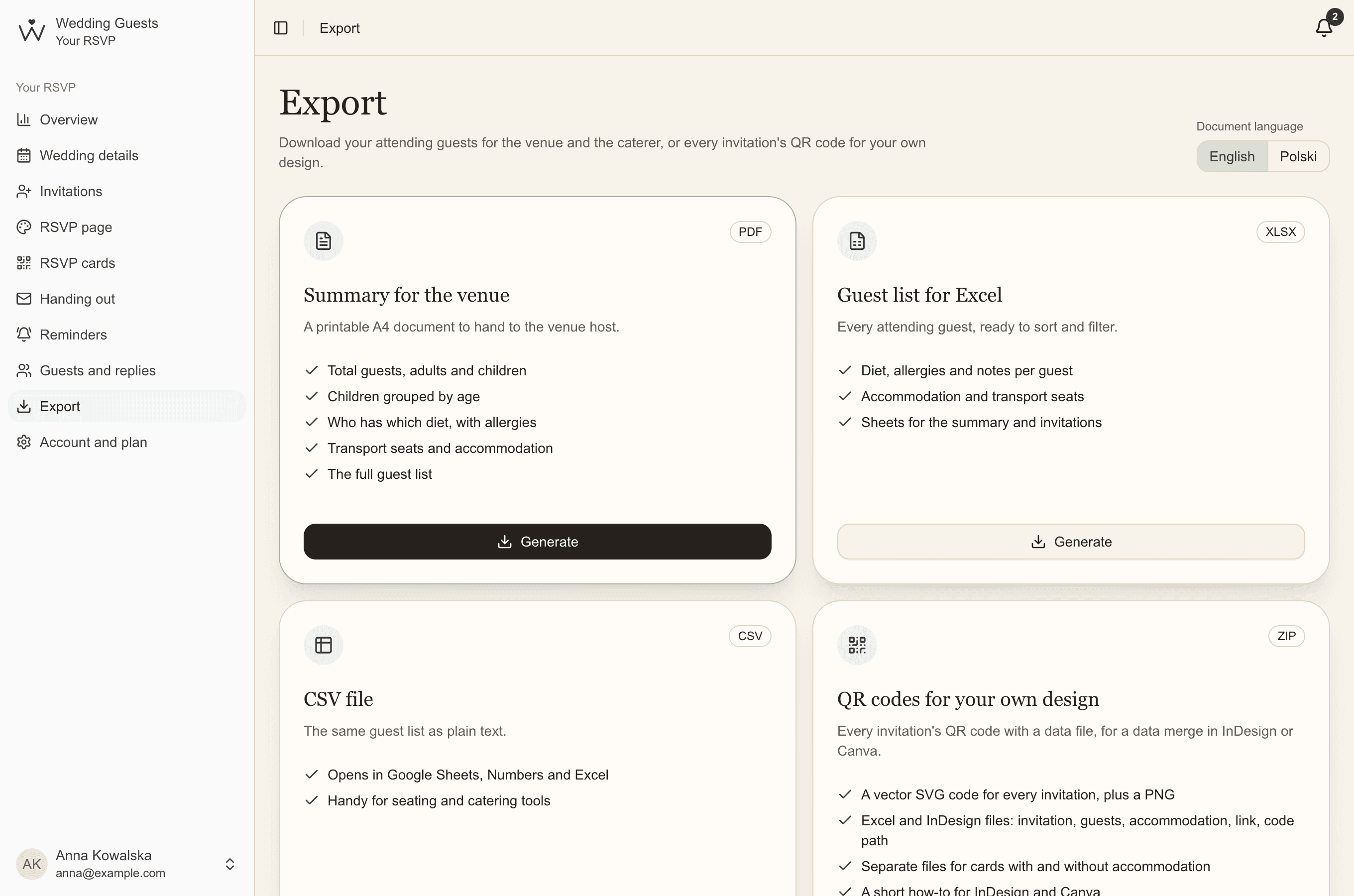
The second is a pack of codes for your own design: every code in one ZIP file with a data sheet for a data merge in Canva, Adobe InDesign or Affinity Publisher. The codes then go straight onto invitations designed by you or your printer.
Is a QR code on an invitation safe?
A code opens one invitation and never shows anyone your guest list. The link contains 48 random characters, so it can't be guessed, and invitation pages are kept out of search engines.
Anyone with the code or link can open the invitation, so give it only to its guests. If a link gets into the wrong hands, create a new one in the invitation's details and the old one stops working at once. Remember to print the new code.
Allergy notes are seen only by you and the guests on that invitation. We keep your wedding's data for a year after the wedding (longer while a paid plan lasts), remind you by email beforehand, then delete it for good.
Common questions
- How big should a QR code on an invitation be?
- At least 2 by 2 cm (about 0.8 inches), with an empty margin around it and a dark colour on a light background. Scan a test print with several phones before printing the whole run.
- Do guests need an app to scan the code?
- No. Phone cameras have read QR codes on their own for years. Guests don't create an account either.
- What if someone else gets hold of the code?
- A code opens just one invitation and never shows your other guests. In Wedding Guests you can also give an invitation a new link at any time, and the old one stops working.