In this guide
Start with your budget and venue
Before you write down names, decide how many guests you can host. Every venue has a capacity, and the cost of the wedding grows with each person. Start with close family and friends, then add wider circles until you reach your limit.
Think in invitations, not individual people
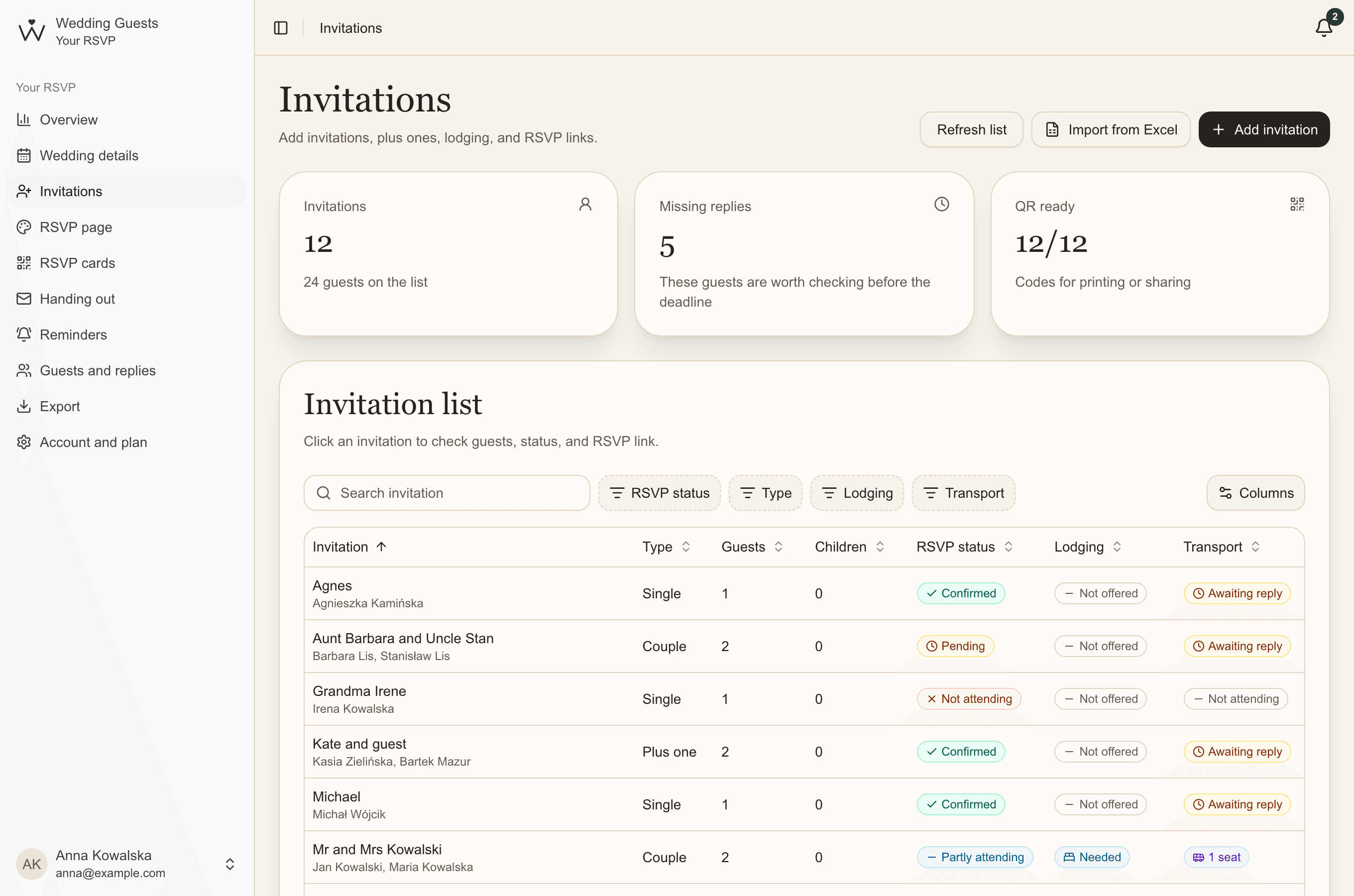
An invitation usually goes to a whole household: a couple, a family with children or one person with a plus one. Build your list by invitation and note exactly who each one includes. You'll know at once how many invitations to print and who to give them to.
- a single guest: an aunt, a colleague,
- a couple: two adults on one invitation,
- a guest with a plus one: the guest gives their companion's name when replying,
- a family: up to two adults and any number of children.
What to note for each guest
- the invitation's name, for example "The Nowak family",
- the names of everyone invited and their role: partner, child, plus one,
- children's ages, if your venue prices them separately,
- a phone number or email for questions and reminders,
- whether you offer accommodation and transport,
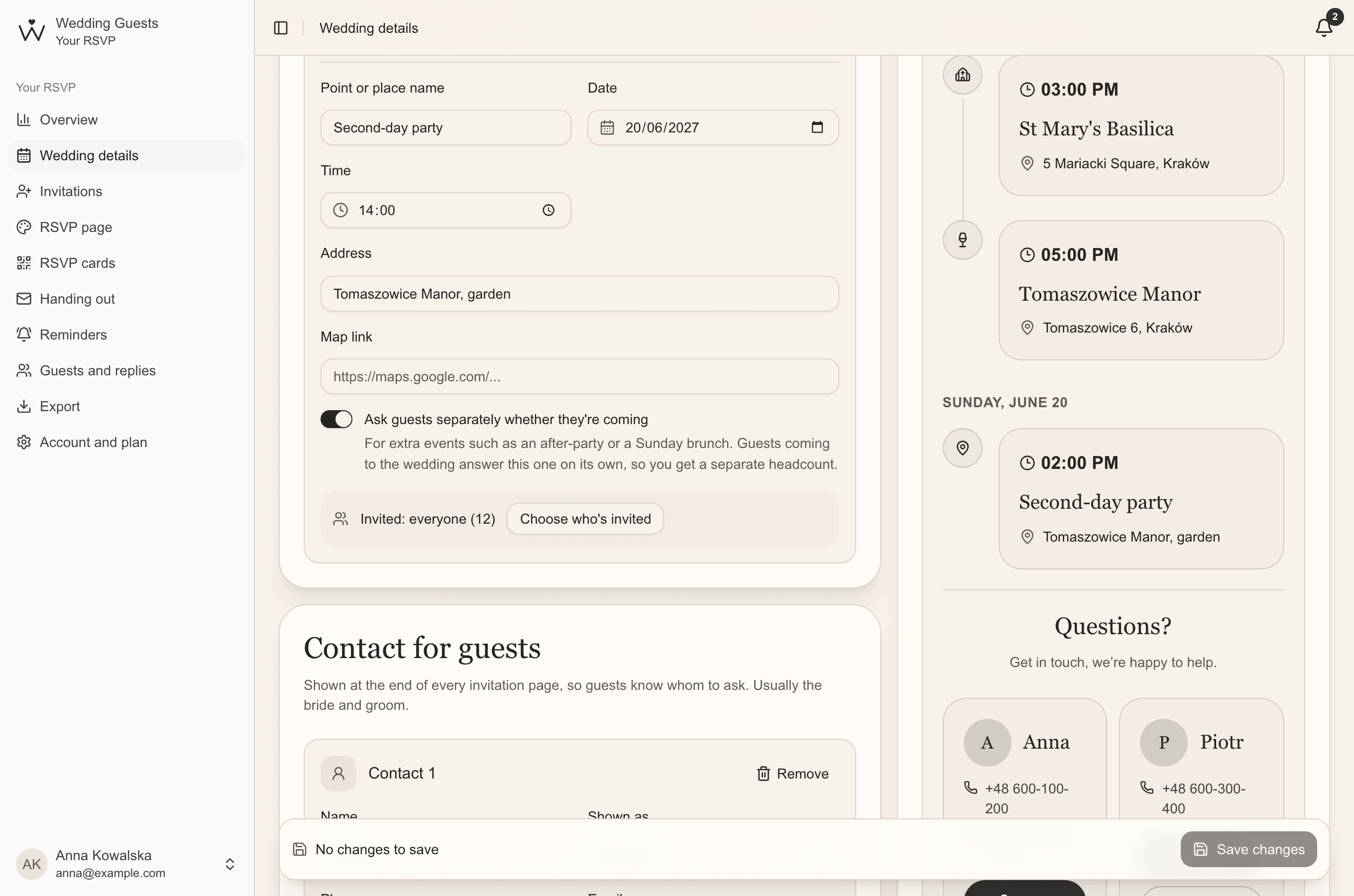
- whether they're invited to a second-day party or other events,
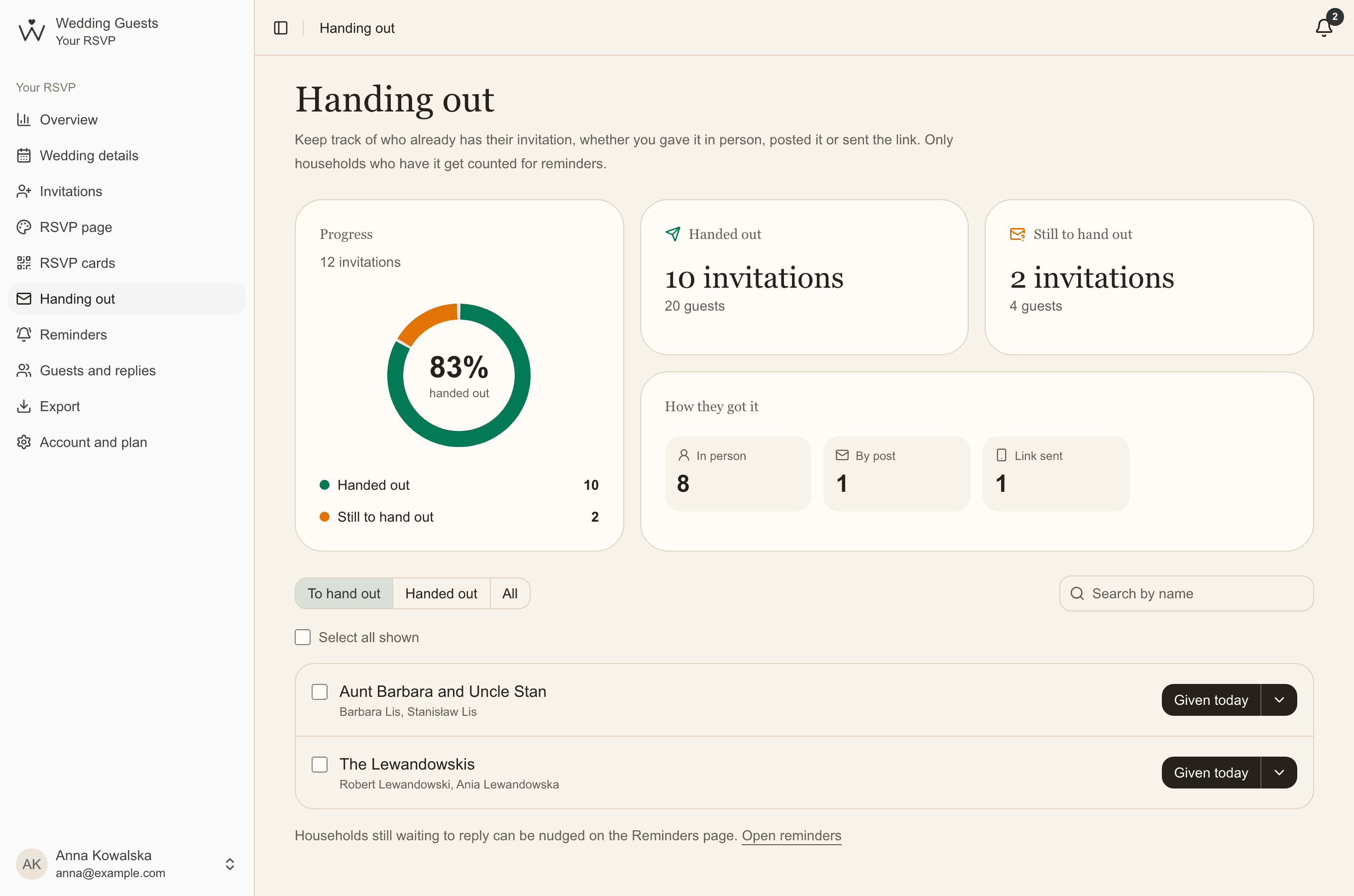
- whether the invitation has been handed over, when and how.
Plus ones and children
Decide up front who may bring a plus one and mark it on the invitation. The plus one's name is easiest to collect from the guest when they reply.
For children, note their ages: many venues have separate prices for the youngest and count them by age group. If the wedding is adults only, say so clearly on the invitation.
Second-day parties and other events
Often only some guests are invited to a second-day party or rehearsal dinner. Mark on each invitation whether it includes the extra event and ask about attendance separately. Only then will you have an exact headcount for each event.
Spreadsheet or app?
A spreadsheet is fine at first, but once replies start coming in it's hard to keep current, especially when two of you are editing. An app where guests answer their own invitations does the counting for you and shows you both the same, current list.
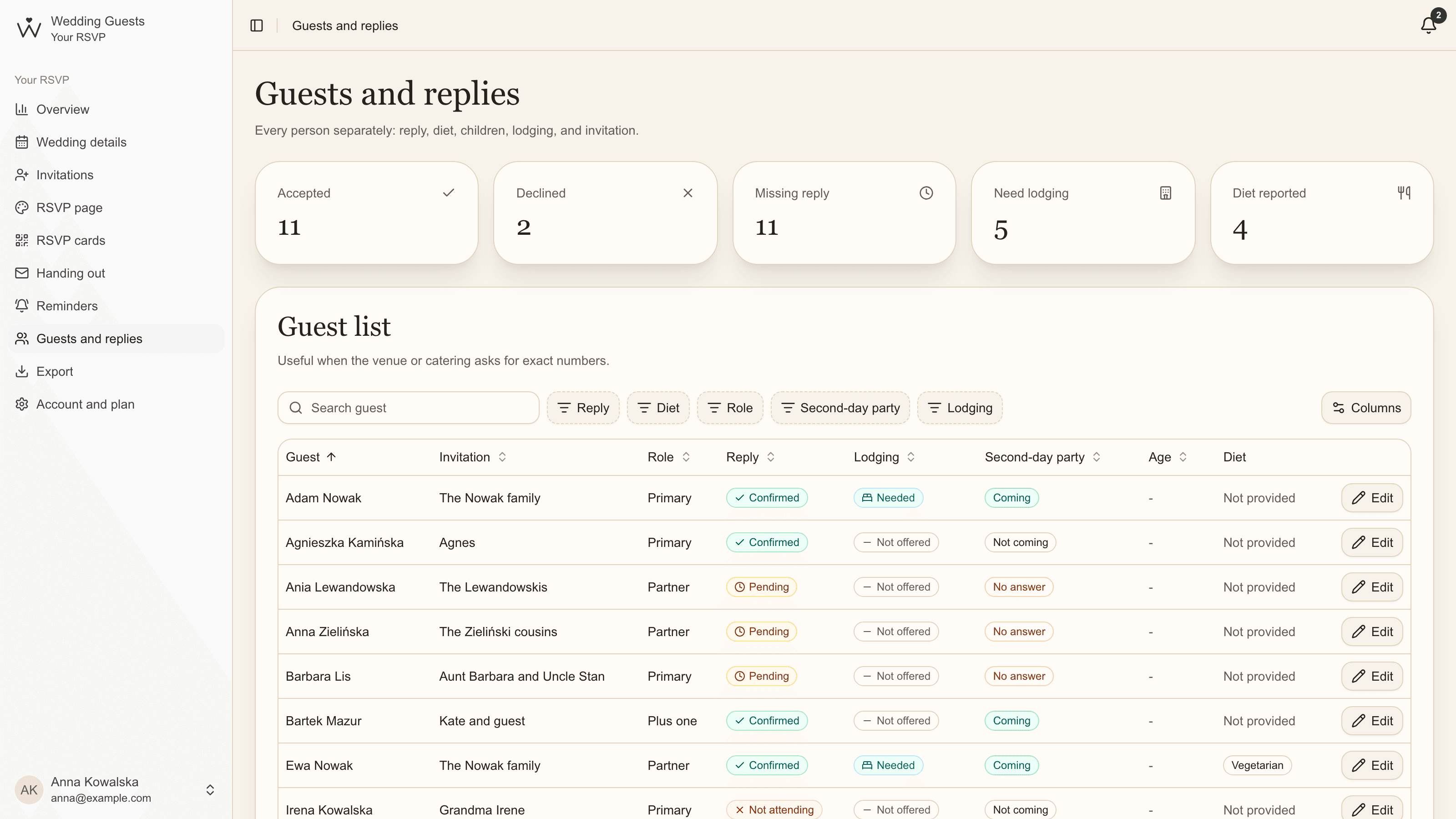
On the guest list, every person has a row with their reply, diet, age, accommodation and a column for each extra event. Search and filters show you in seconds, for example, who is gluten-free or who hasn't answered about the second-day party yet.
Plan it together
A guest list is usually put together by two people and two families. Instead of sending each other new versions of a spreadsheet, work on one list from two accounts.
- Open Account and plan, under "You and your partner".
- Enter your partner's email and send the invitation. The link in the email works for 7 days.
- Once they accept, you each sign in with your own email and password and see the same invitations, replies and reminders.
Moving your list to Wedding Guests
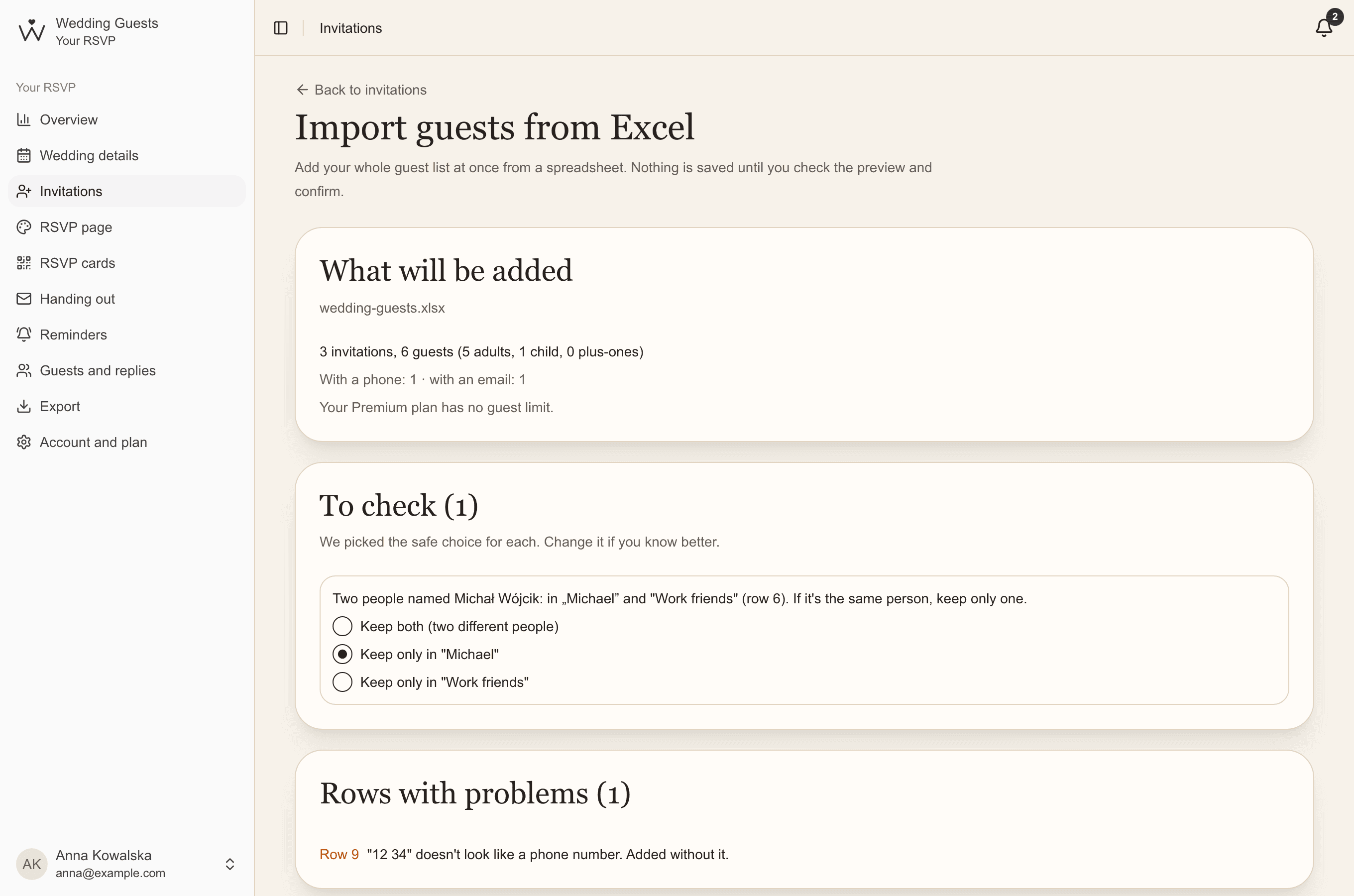
Already have a list in Excel? Upload it or fill in our template. You'll see a preview before anything is saved, with possible duplicates flagged so you can decide what to do with them.
Starting from scratch? In Invitations, click "Add invitation", choose its kind (single, couple, with a plus one, family) and type the names. You can also offer accommodation and add a phone number or email for reminders.
After that, every invitation has its own QR code, guests reply on their own, and you see attendance, diets, children's ages, rooms and transport as they come in, separately for each extra event too.
Common questions
- How many guests should we invite?
- It depends on your budget and venue. Start from the venue's capacity and the cost per person, then add guests from the closest outwards until you reach your limit.
- Do children count towards the guest number?
- Yes, but venues often price them differently by age. Note each child's age and check your venue's price list.
- When should we hand out wedding invitations?
- Usually two to three months before the wedding, and earlier for guests travelling from far away so they can plan travel and accommodation.