In this guide
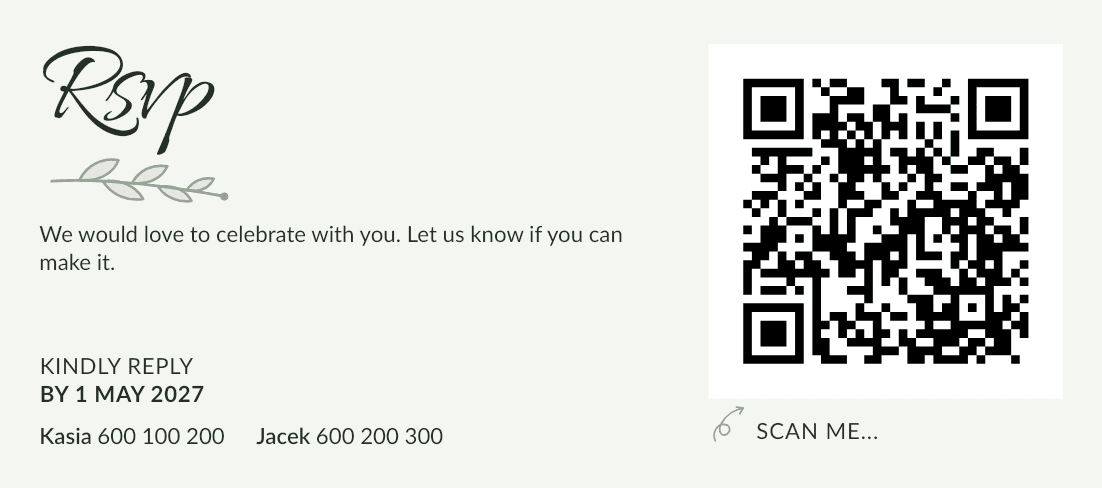
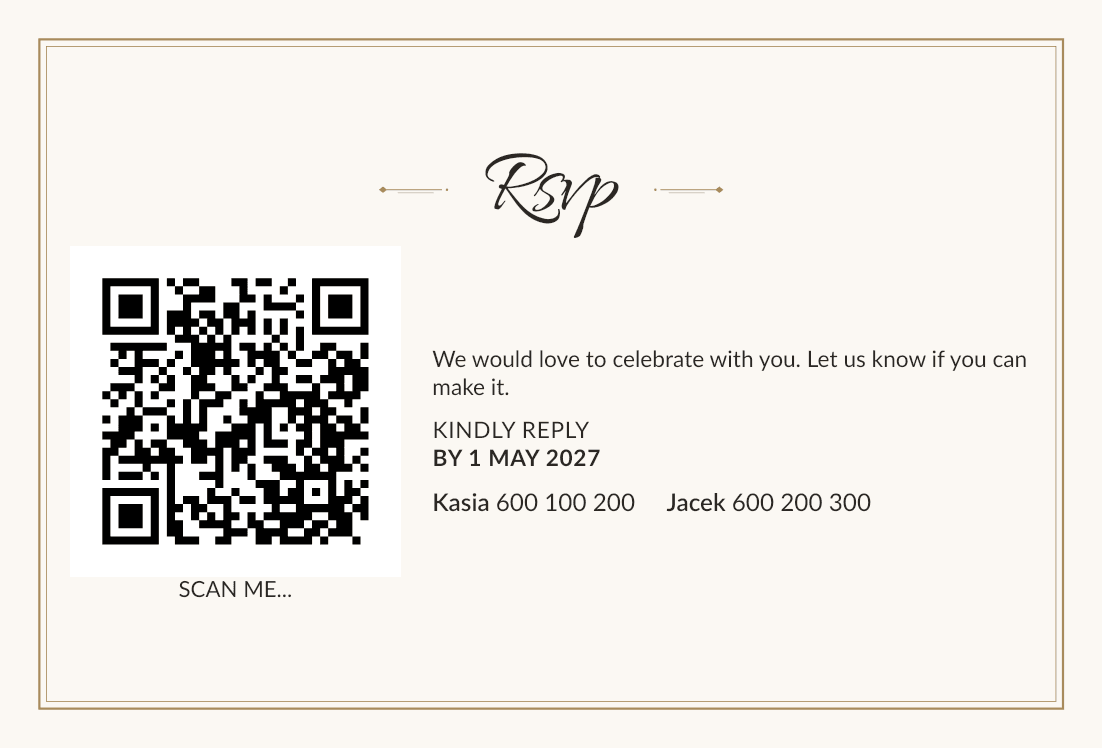
What goes on an RSVP card
- a title, such as RSVP or "Kindly reply",
- a short request and the reply-by date, ideally in bold,
- the QR code with a short caption, such as "Scan me",
- your phone numbers for guests who'd rather call,
- the invitation's name, so every card goes into the right envelope.
Two versions: standard and with accommodation
Guests you offer accommodation to deserve a few more words about it. So cards come in two versions: standard, for invitations without accommodation, and with accommodation, usually a little taller. Every invitation gets one card in the right version, decided by the invitation itself.
You set the look of both versions once, and each version's size and wording separately.
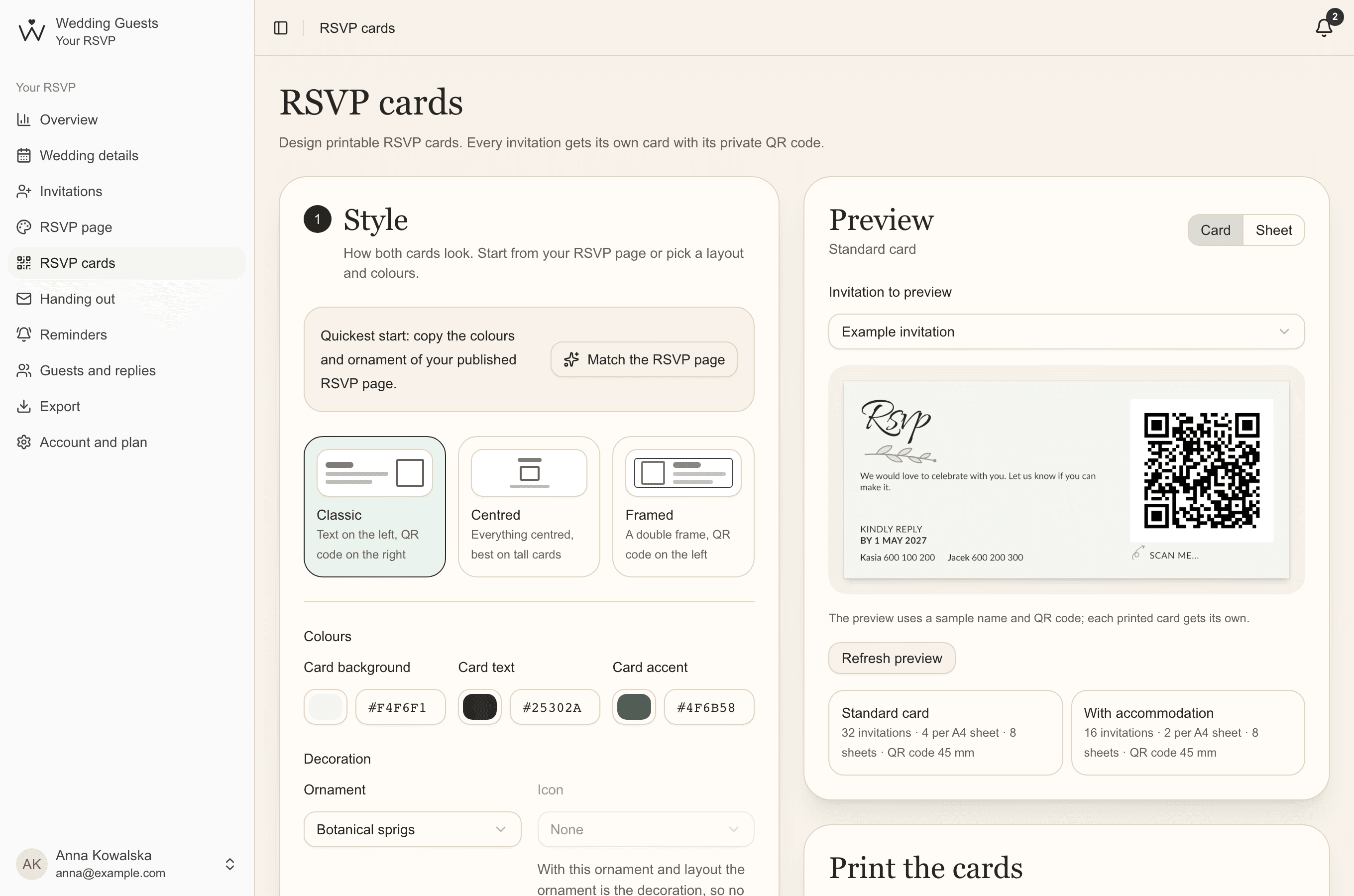
Step 1. Style
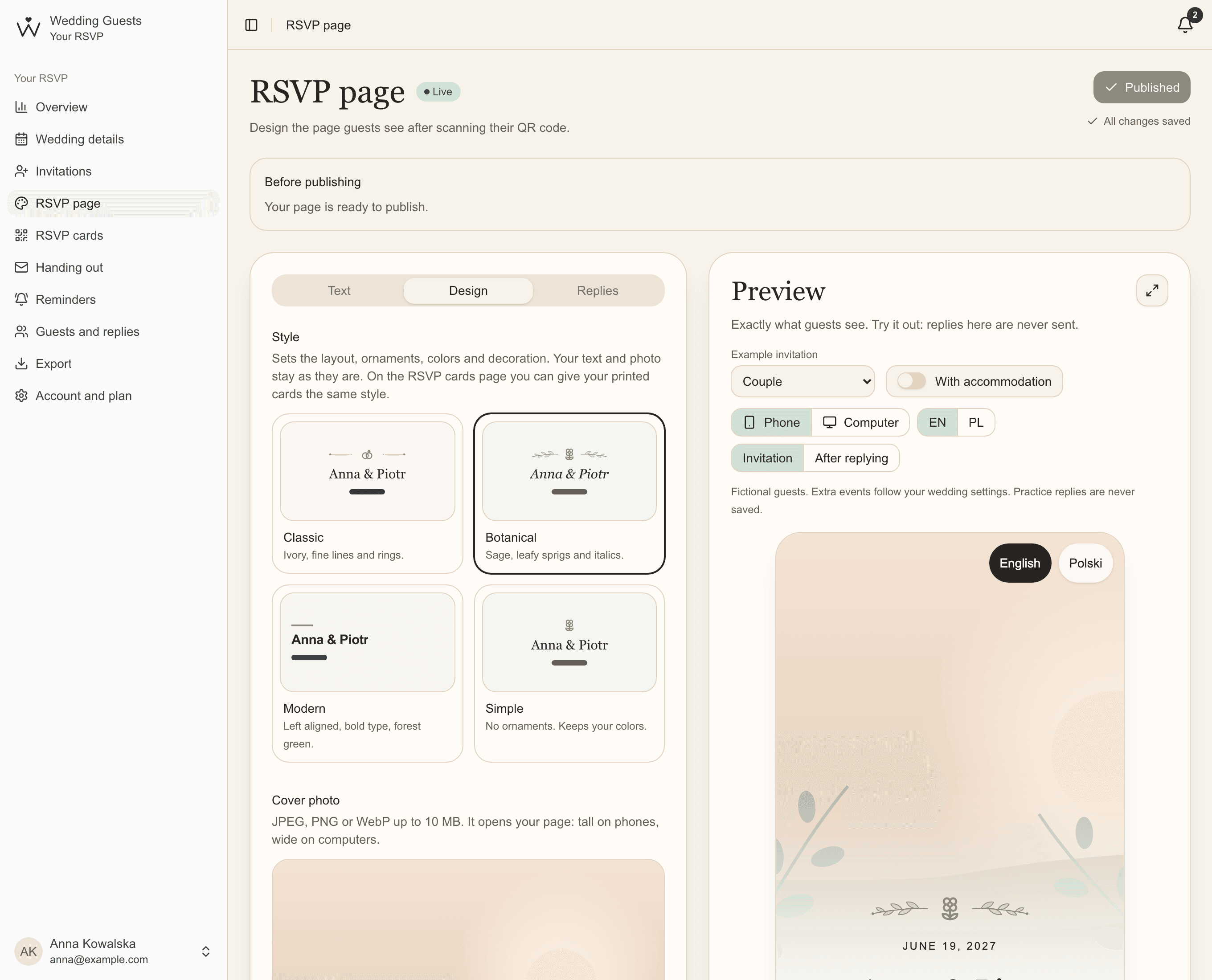
The quickest start is Match the RSVP page: the cards take the colours and ornament of your published page. Or choose a layout (Classic: text on the left, code on the right; Centred, best for tall cards; Framed: a double frame with the code on the left), colours, ornament, icon, decoration size and title font.
Step 2. Content
Decide what every card shows: the invitation's name and your phone numbers from Wedding details. Then choose each version's size and wording.
- sizes: 140 × 62 mm, 140 × 95 mm, A6 landscape and portrait, DL, business card or your own,
- title, main text and reply-by line: {deadline} becomes your reply-by date and {guests} the invitation's name,
- a caption under the QR code, with or without a small hand-drawn arrow.
Step 3. Printing
Choose A4 or A3 paper and cut marks: at the edges, dashed lines or none. Under More print settings you set your printer's margin and the gap between cards. Below the preview you see how many cards fit on a sheet and how many sheets you'll print.
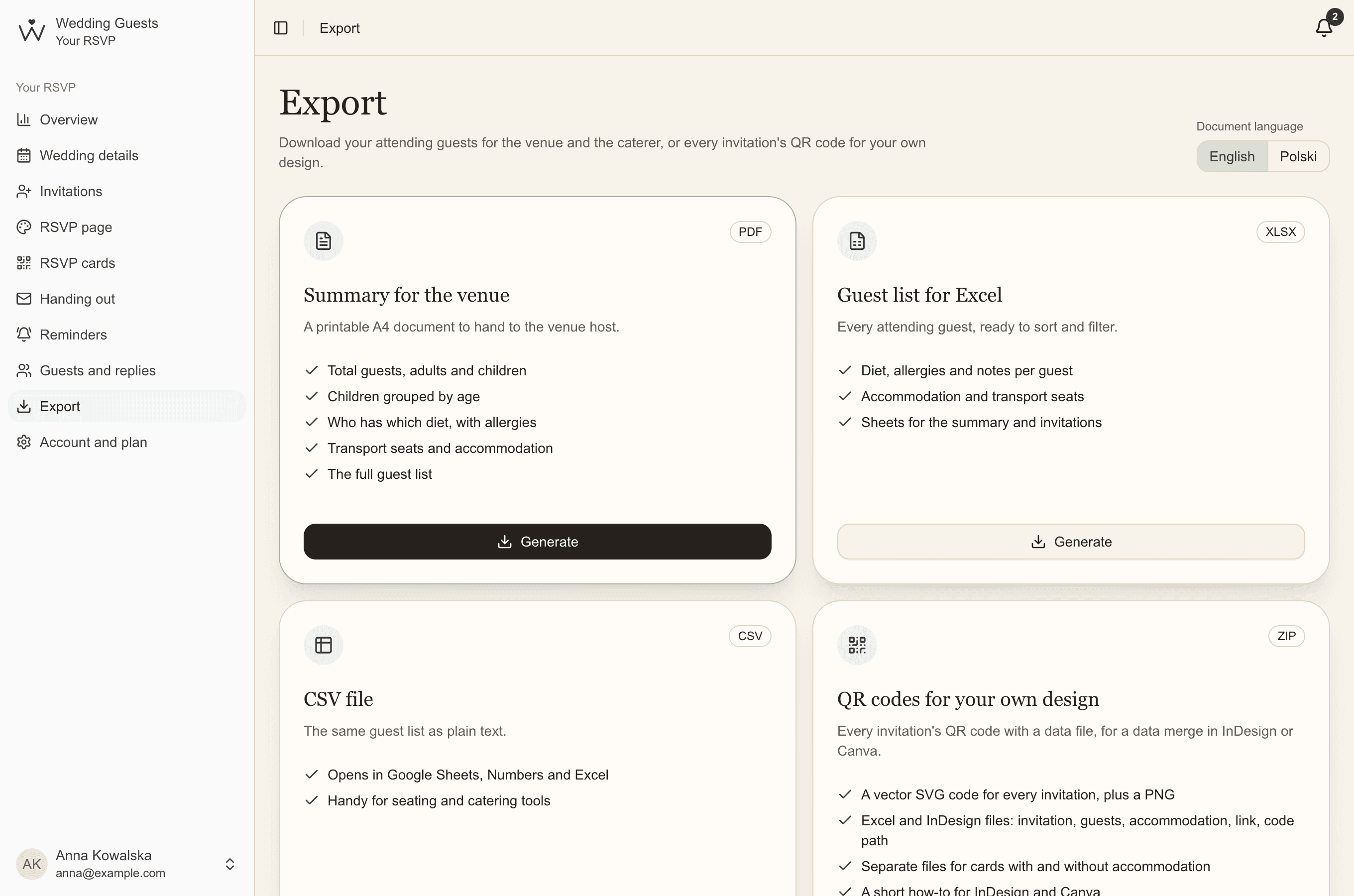
Print the cards
Essential & Premium- Under Print the cards, choose which invitations: all, or only one version of the cards.
- Click Generate PDF. Before the file is ready, we check that every QR code opens the right invitation.
- Print at actual size (100%), one-sided, with fit to page turned off.
- Print one page first and scan the code with a phone, then print the rest.
Common questions
- What size should an RSVP card be?
- Usually 140 × 62 mm or A6, so it fits in the invitation's envelope. The accommodation version is often taller, for example 140 × 95 mm.
- Can a print shop print the cards?
- Yes. The PDF is at actual size, with cut marks and room for the printer's margin. Hand it over and ask them to print at 100%.
- Do the cards have to match the RSVP page?
- No, but it's the simplest. Matching copies the look once: later changes to the page don't change the cards until you match them again.