In this guide
When the pack helps
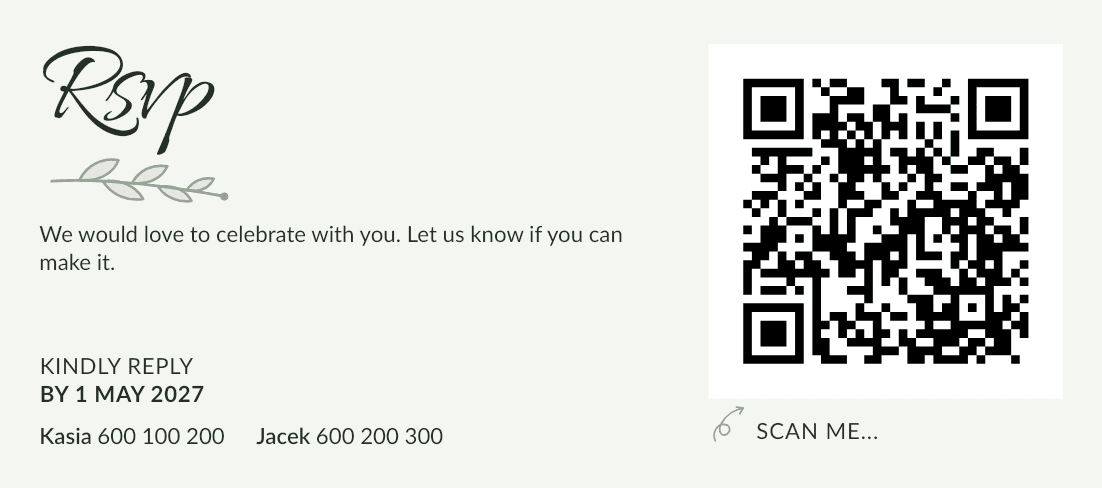
When your invitations are your own design, not our RSVP cards. A data merge turns one design into as many pages as your sheet has rows: each page gets one row's names and its QR code. Dozens of personal invitations take minutes.
What's in the pack
Files are numbered in the invitations' alphabetical order, for example 007-the-kowalski-family.svg, so they're easy to find.
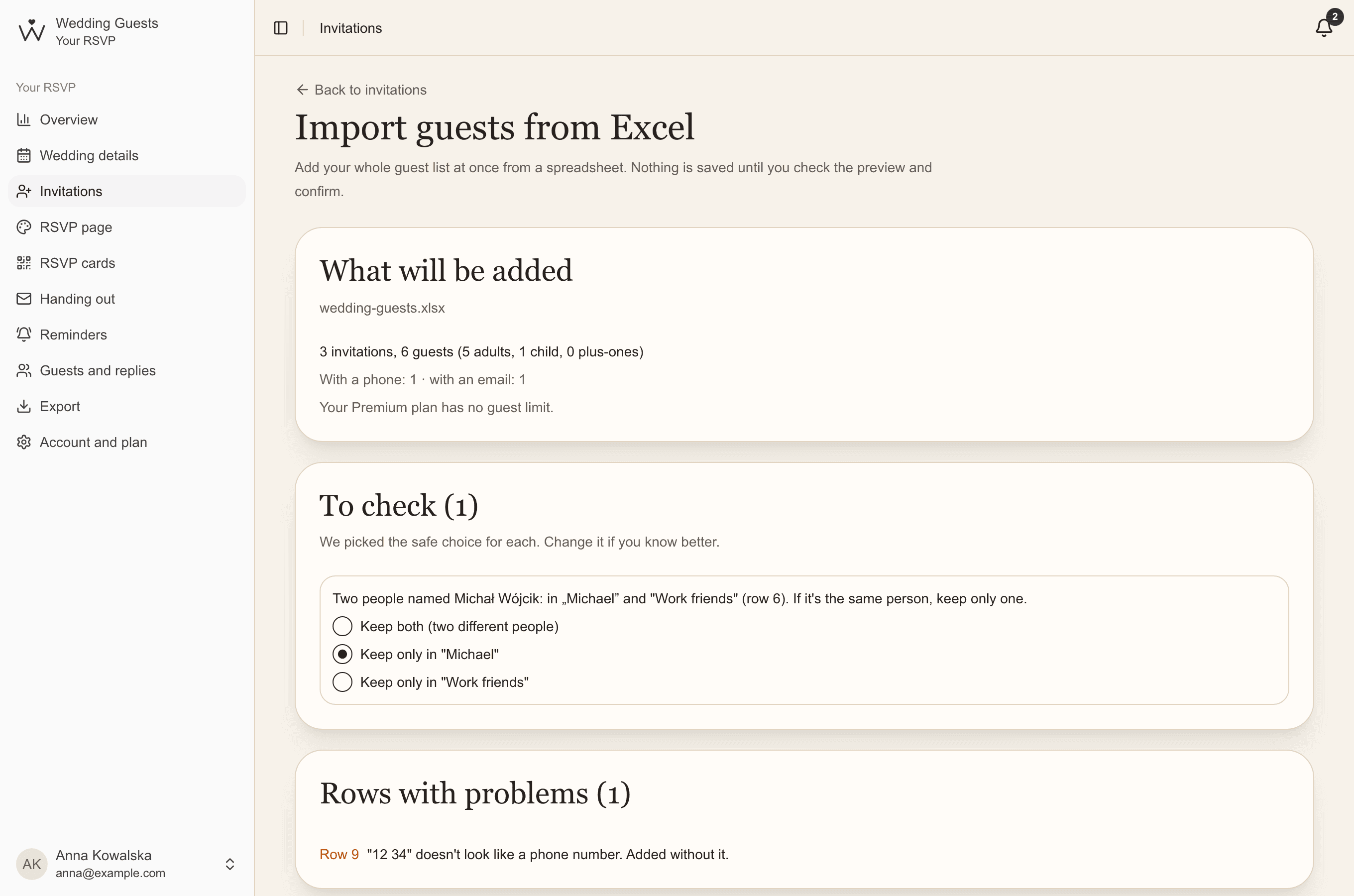
- invitations.xlsx: invitation, guests, whether accommodation was offered, link and QR code paths (for Canva and Excel),
- invitations-indesign.txt: the same data for InDesign (Unicode, tab separated),
- a qr folder: the codes as SVG vector graphics, sharp at any size,
- a qr-png folder: the same codes as print-ready PNG, for tools that can't place SVG,
- separate files for invitations with and without accommodation, when you have two versions,
- READ-ME.txt: a short how-to for InDesign and Canva.
Downloading the pack
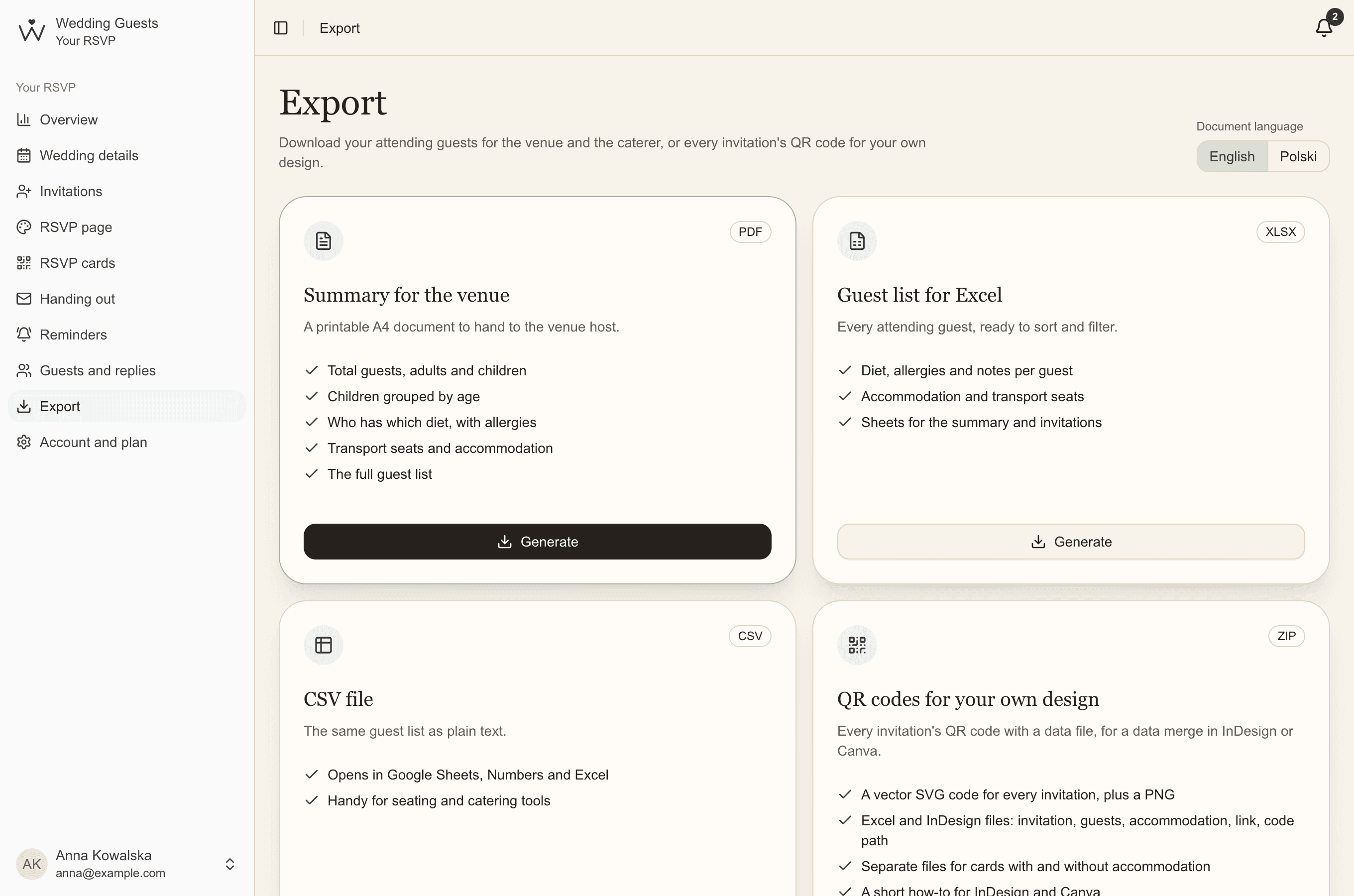
Essential & Premium- Open Export and choose the document language.
- Next to QR codes for your own design, click Generate.
- Shortly after, download the ZIP from Recent exports and unzip all of it, keeping its folders.
Adobe InDesign
- Window, Utilities, Data Merge: choose invitations-indesign.txt.
- Drag the "QR code" field into an image frame and the other fields into text frames.
- Create the merged document. Images use relative paths, so keep the data file next to the qr and qr-png folders.
Canva and Affinity Publisher
In Canva, use Bulk Create: upload invitations.xlsx and connect the text columns to your design. Add each QR code from the SVG files in the qr folder (or PNG from qr-png), or create it in Canva from the link column.
Affinity Publisher has a data merge too: it reads the same sheet and places the codes from the paths in the QR code column.
Before printing the whole run
- print the QR code in black or a very dark colour on a light background, at least 2 by 2 cm,
- print one page and scan the code with a phone,
- a code opens the invitation's current link: if you create a new link in your dashboard, download the pack again.
Common questions
- Does every invitation get a different QR code?
- Yes. Each code opens one invitation's page, with the names of everyone invited, so guests don't need to type anything.
- SVG or PNG?
- SVG if your tool accepts it: it's vector, sharp at any size and easy to scale. PNG is for tools that can't place SVG.
- Can we send the pack to a print shop?
- Yes. They can build the merged design from it. Send the whole unzipped folder so the paths to the codes work.