In this guide
Who gets a place card
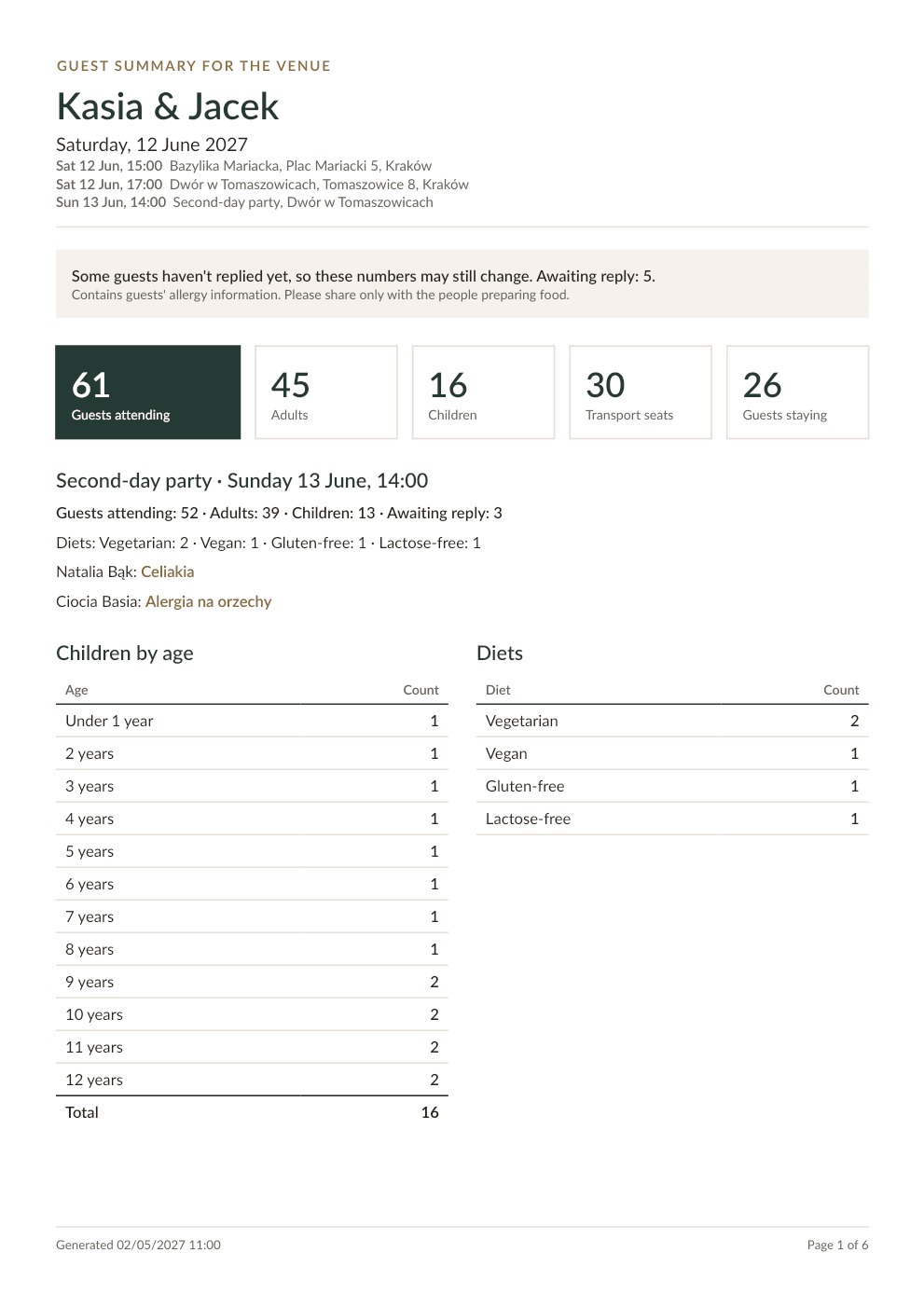
Every guest who confirmed, children included, in the order of your guest list, family by family. Guests who haven't replied or can't come don't get one, so it's worth printing after your reply-by date.
A plus one without a name gets a card that says "Guest" (you can change the wording), marked for you to check. Cards for people who aren't on the guest list, such as the two of you, the officiant or the band, are one button away.
Flat or folded
- Flat: for holders, hearts or clips. You can keep the bottom free for the holder: names never go there, and the footer with your initials sits in the middle of it.
- Folded tent: folds along the top and stands by itself. The back is printed upside down, so both sides stand upright once folded.
- Folded booklet: folds along the side like a cover.
- Folded cards can carry the name on both sides, handy at round tables.
Step 1. Look
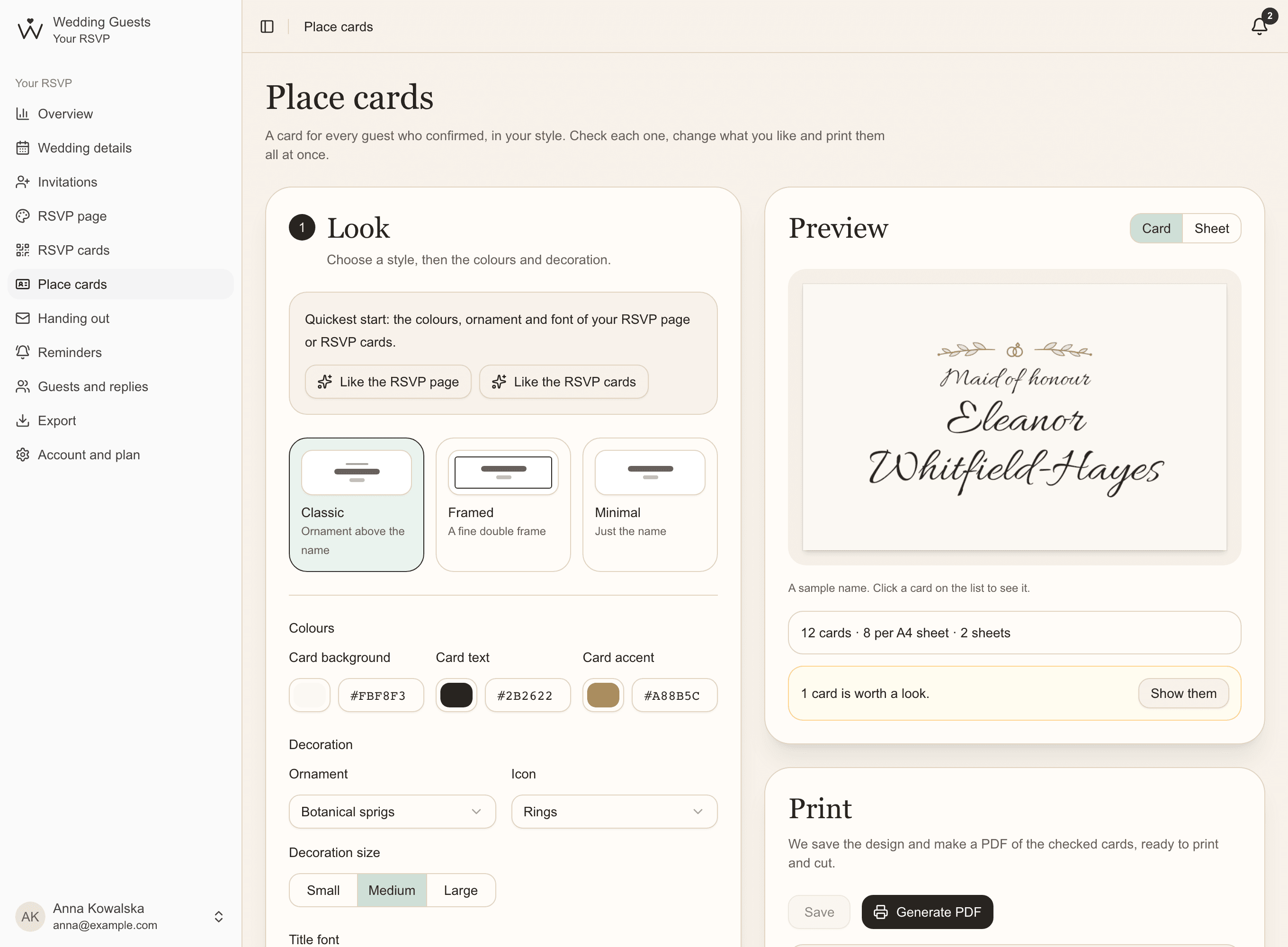
The quickest start is Like the RSVP page or Like the RSVP cards: the place cards take their colours, ornament and font, so everything at your wedding looks like one set. Then choose a style: Classic with an ornament above the name, Framed or Minimal.
The background colour covers the whole sheet, to the very edge of every card. Even if a cut goes a little off, no white sliver is left.
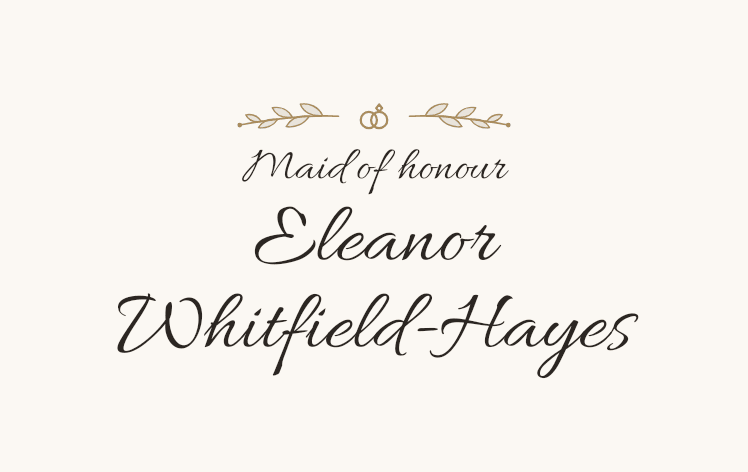
Step 2. Size and layout
- the kind of card and the size of its front: 95 × 60 mm, 90 × 50 mm, 85 × 55 mm, 100 × 70 mm or your own,
- where the name sits: left, centre or right,
- the name size: automatic picks the largest that comfortably fits, or choose your own; the preview shows it exactly, and names it can't hold are counted for you,
- capital letters for every name,
- a footer with your initials, such as A|P (off until you switch it on),
- the wording for plus ones without a name.
Step 3. Check every card
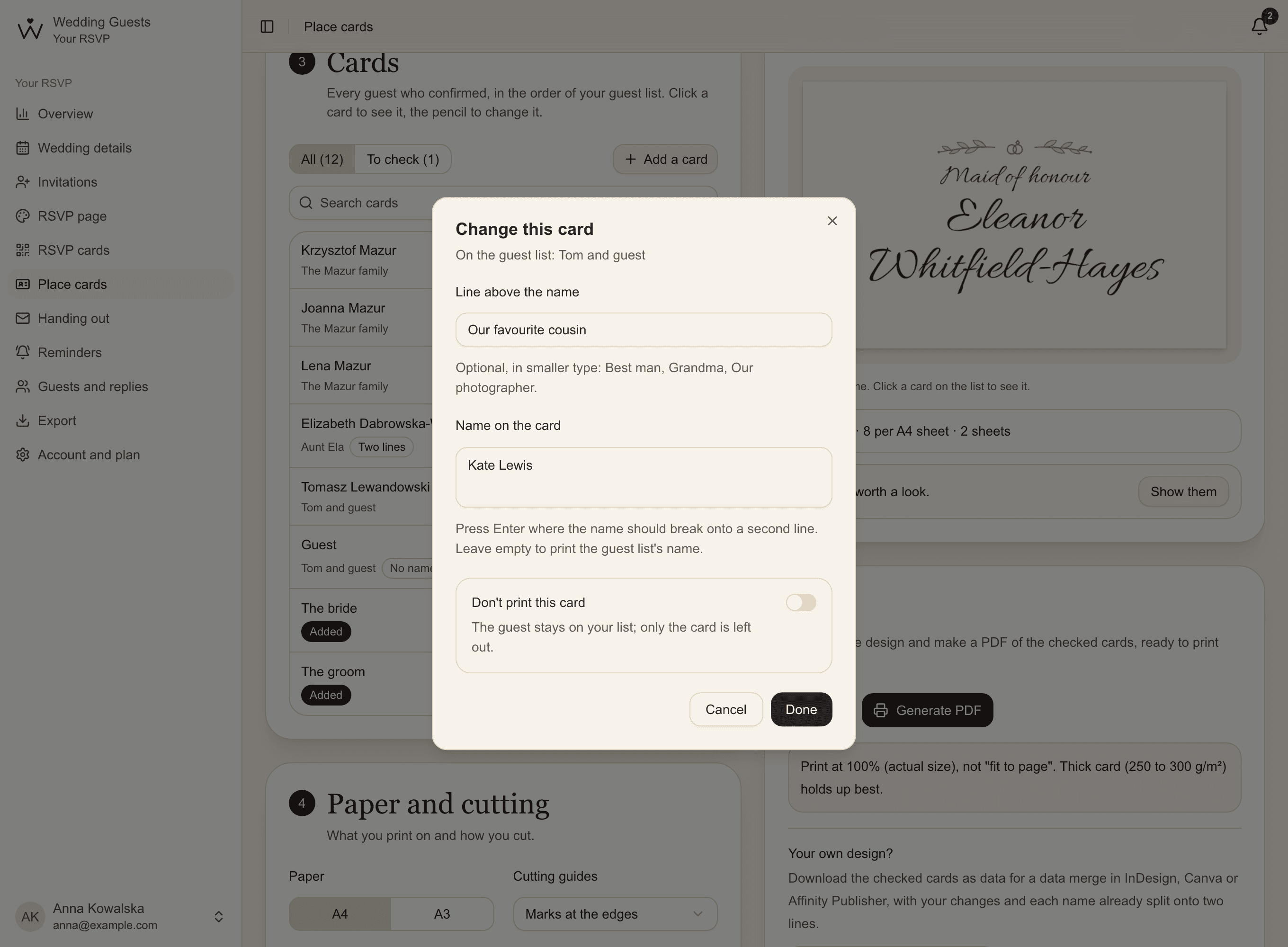
The list shows every card with what's worth a look: no name, two lines, smaller type or a name that doesn't fit. The To check filter keeps only those. Click a card to see it in the preview; the pencil changes it.
- your own wording instead of the guest list's name, such as "Grandma Rose"; press Enter where the second line should start,
- a line above the name in smaller type: Best man, Our photographer,
- Don't print this card, when someone doesn't need one,
- Add a card for people who aren't on the guest list.
Step 4. Print and cut
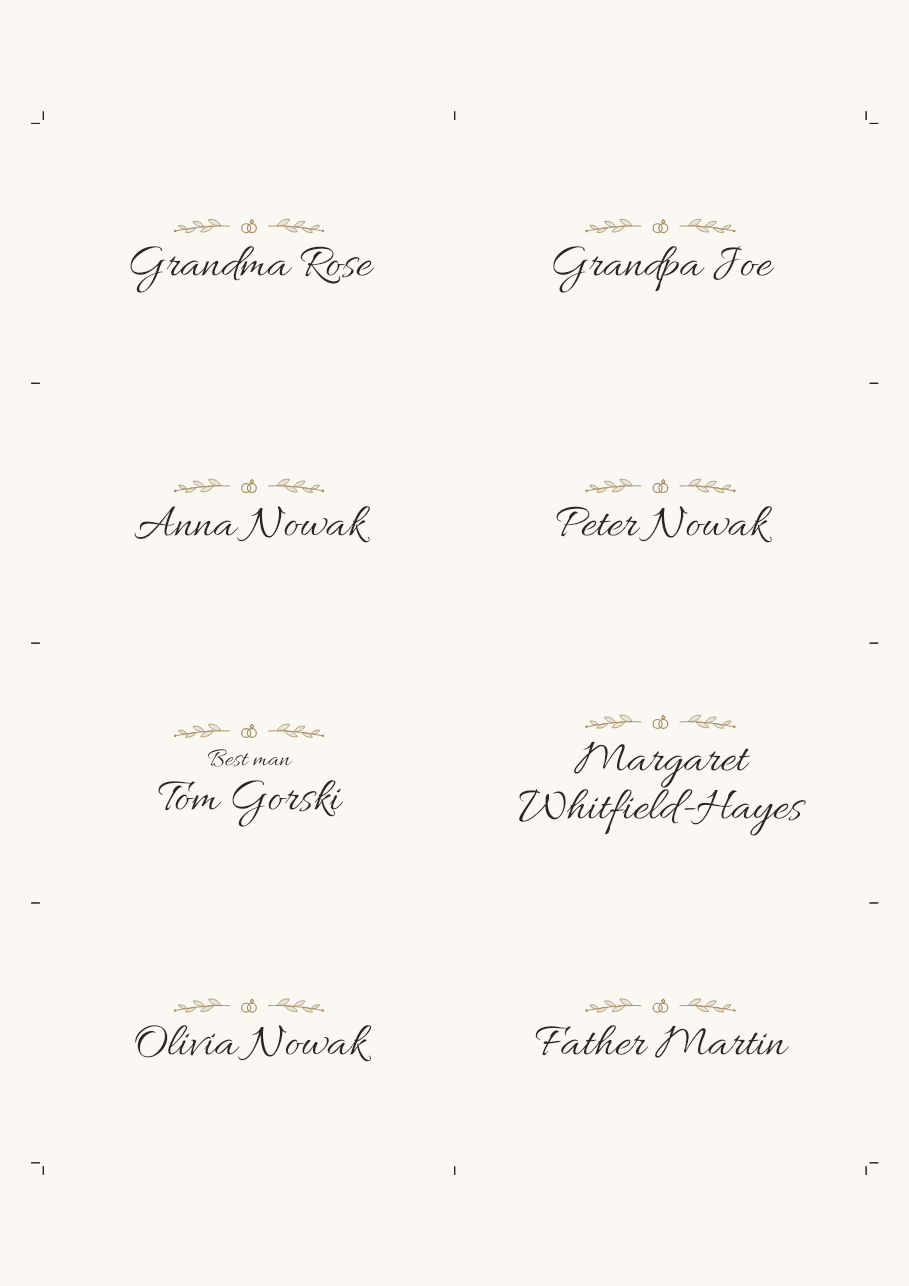
Essential & Premium- Choose A4 or A3 paper and cut marks. Below the preview you see how many cards fit on a sheet and how many sheets you'll print.
- Click Generate PDF. Your design saves itself, and the PDF holds exactly the cards you checked.
- Print at 100%, with fit to page turned off, ideally on 250 to 300 g/m² card.
- Cut along the marks at the sheet's edges. Score folded cards first along the grey dashed marks (a ruler and the back of a knife), then fold.
Your own design: a data merge in InDesign or Canva
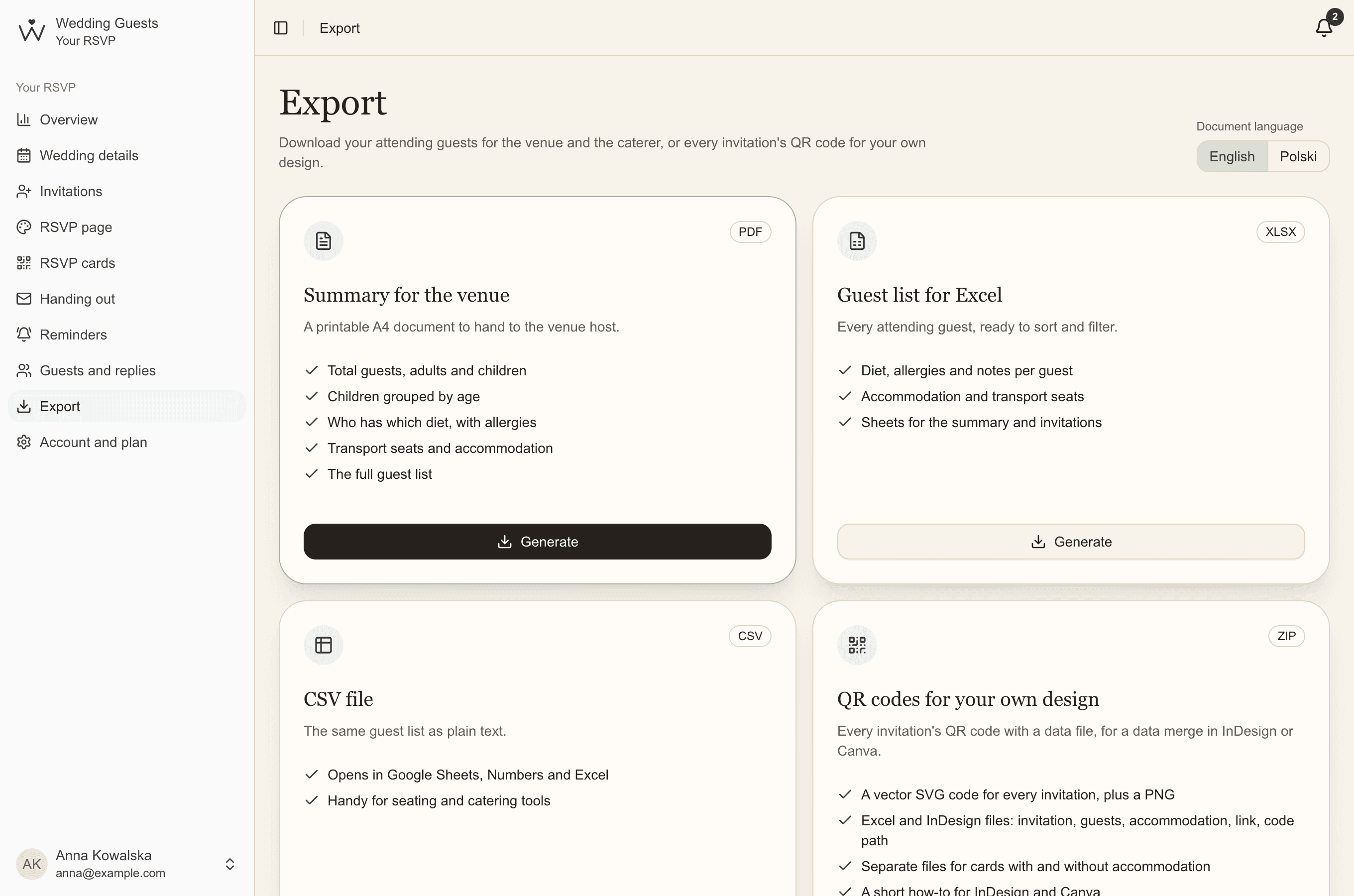
Essential & PremiumHave place cards designed by a stationer? Under the print button there's Download for a data merge. You get a pack with an Excel file (for Canva, Affinity Publisher and Excel) and a file for InDesign, with all your changes and without the cards you left out.
- Name: the whole name on one line,
- First line and Second line: the same name split as on our cards, ready for two text fields,
- Line above the name, if you added one.
- In InDesign: Window > Utilities > Data Merge, choose place-cards-indesign.txt and drag the fields into your text frames. Several cards per page come from the merge options.
- In Canva: Bulk Create, upload place-cards.xlsx and connect the columns to your text fields.
Common questions
- What size should a place card be?
- Usually 90 × 50 mm or 95 × 60 mm for flat cards. For folded ones you set the size of the front, and printing takes twice the paper.
- What if someone confirms after we've printed?
- Their card appears on the list by itself, next to their family. Generate the PDF again and print just the sheet it's on.
- Can a place card show a table number?
- We don't plan seating, but you can type a table number as the line above the name, such as "Table 3".
- Can a print shop print our place cards?
- Yes. The PDF is at actual size, with cut marks and the background colour to the edge. Ask them to print at 100% on card.